
How to Try On Prom Dress Ideas Online Before Shopping
Use an AI prom dress try on workflow to compare colors, necklines, length, and styling on your own photo before shopping.
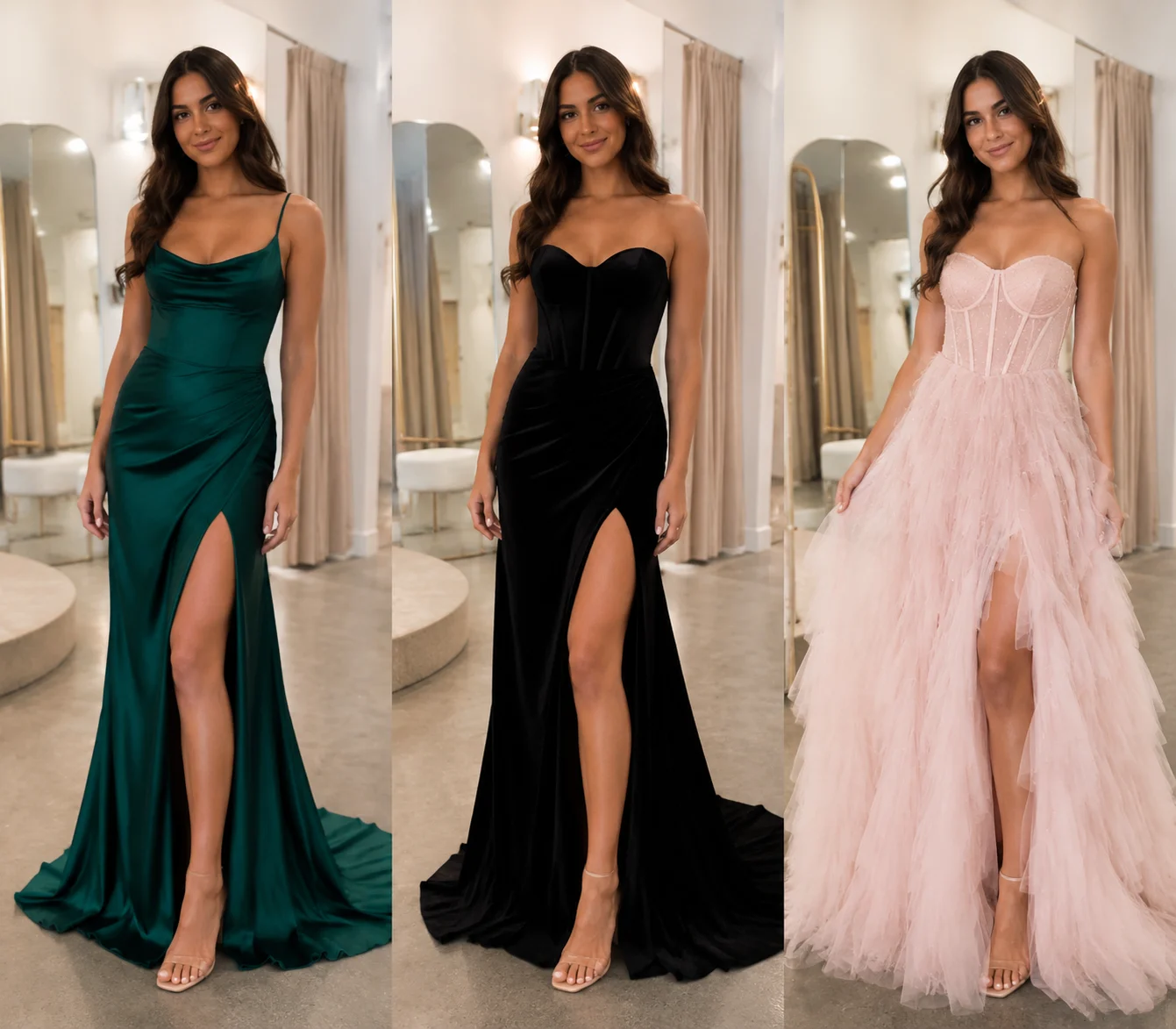
A prom dress try on is most useful before you shop, not after you have already fallen in love with one dress on a model. With AI dress up, you can preview prom dress ideas on your own photo and narrow the search before you spend a weekend in fitting rooms.
Last updated: July 8, 2026 - about 7 min read
Prom shopping has a weird problem: every dress online is shown on someone else. Different height, different skin tone, different pose, different lighting. A color that looks elegant on the product page may wash you out. A neckline that looks graceful on a model may not frame your face the way you expected.
An online prom dress try on will not tell you exact size, comfort, or alteration cost. It can tell you something more immediate: which dress direction is worth trying first.
Quick answer
To try on prom dress ideas online, upload a clear full-body or three-quarter photo, then generate a small set of realistic options:
- One classic dress shape.
- One bold color.
- One safer color.
- One different neckline.
- One different length or silhouette.
Compare the results side by side. Choose the dress idea that works with your face, skin tone, posture, and event style. Then use that direction when you shop in person or online.
What an AI prom dress try on can and cannot show
It can help with:
- Color family.
- Neckline direction.
- Sleeve or strap style.
- Dress length.
- Formal vs. playful mood.
- Whether a silhouette feels like you.
- Styling with hair, shoes, or accessories.
It cannot guarantee:
- Exact size.
- Fabric weight.
- Comfort while sitting or dancing.
- How the dress moves in real life.
- Tailoring or alteration needs.
- Whether the retailer's dress matches the preview.
That difference matters. Use the AI preview to reduce the choices. Use the real fitting to confirm the dress.
Start with the right photo
The photo controls the result. For prom dress try on tests, use a picture where the body is readable.
Best source photo:
- Full body or at least knees-up.
- Front-facing or slightly angled.
- Arms not covering the waist.
- Hair not hiding the neckline.
- Clear lighting.
- Simple background.
Avoid mirror selfies with heavy phone obstruction, sitting photos, heavy coats, or photos where the legs and waist are cropped out. If the AI cannot see your shape, it has to guess.
Test dress ideas in rounds
Do not generate twenty random gowns at once. You will lose track of what actually helped.
Round 1: color
Start with color because it changes the face quickly. Test:
- Black or navy.
- Red, burgundy, or emerald.
- Soft pink, lavender, champagne, or silver.
- One color you love but are unsure about.
Look at your face first, not the dress. The best color makes your skin and eyes look clearer.
Round 2: neckline
Once a color family works, compare necklines:
- Strapless.
- One shoulder.
- Square neck.
- V neck.
- Halter.
- Off shoulder.
A neckline can make the same prom dress idea feel elegant, dramatic, soft, or too busy. If your hair will be down, test a version where the neckline stays visible.
Round 3: silhouette
Then test the overall shape:
- A-line.
- Fitted column.
- Mermaid.
- Ball gown.
- Slip dress.
- Short formal dress.
Do not force a silhouette because it is trending. Prom photos last a long time. Pick the one that looks like you can relax in it.
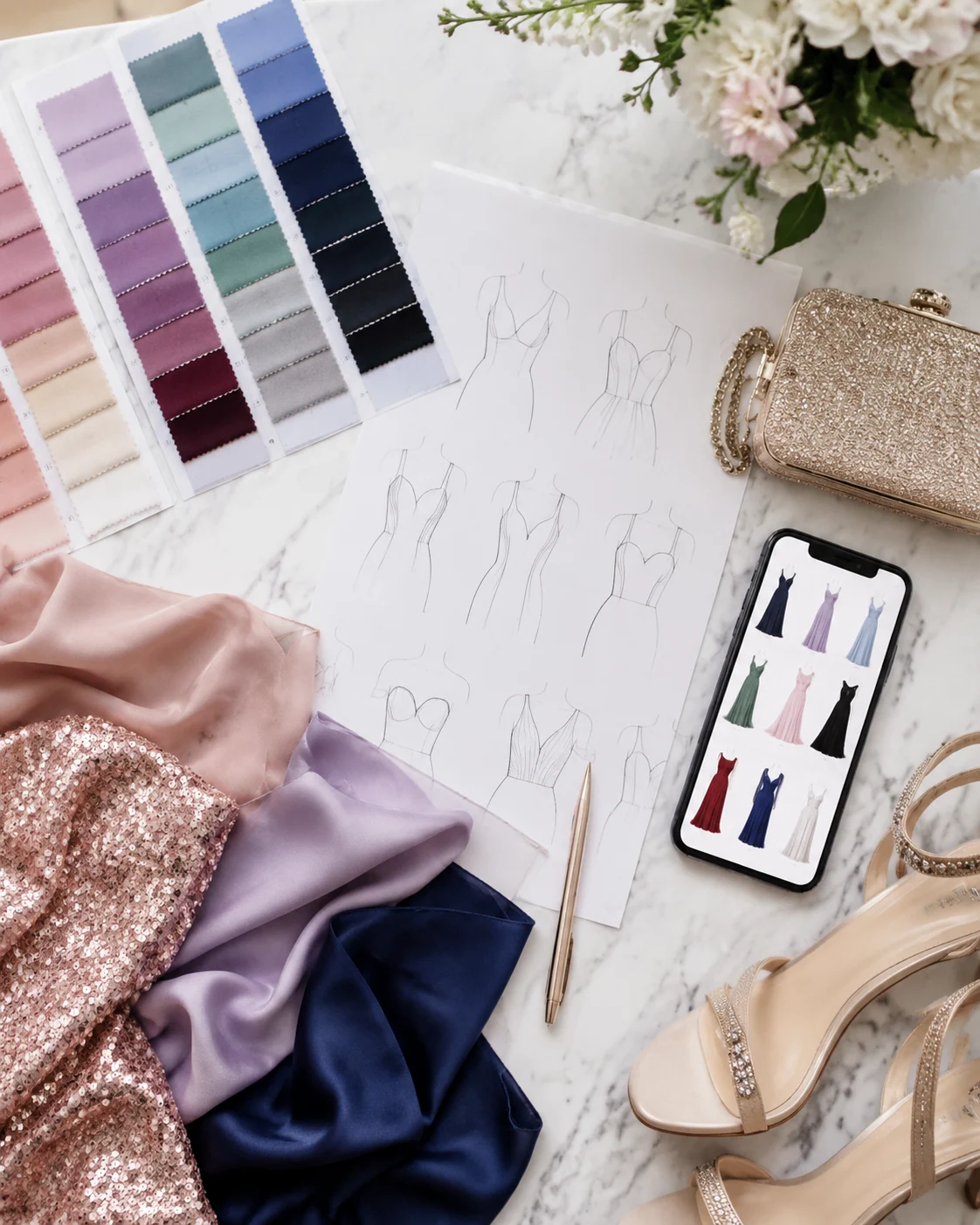
Preview color, neckline, and silhouette separately so one exciting detail does not distort the whole decision.
Use AI dress up for the first shortlist
AI dress up works best when you give it a specific direction instead of a vague request like "make me look pretty for prom."
Better prompts:
emerald satin prom dress, floor length, square neckline, elegant but simple, realistic fabric
black velvet prom dress, off-shoulder neckline, fitted waist, formal evening style
soft pink tulle prom dress, A-line shape, delicate straps, romantic look
silver sequin prom dress, simple column silhouette, clean neckline, not too flashy
Generate a few versions, save the best, and compare them with the original photo. If one result looks off, change one detail at a time. For example, keep the emerald color but switch from strapless to square neck.
How to judge the preview
Ask five questions:
- Does the color help my face?
- Does the neckline frame me cleanly?
- Does the dress feel right for my school or venue?
- Would I still like this look in photos six months from now?
- Is this worth trying on in real life?
The last question is the real goal. An AI prom dress try on is not supposed to replace the final fitting. It helps you walk into the store with a plan.
When online preview beats guessing
Previewing first is especially useful when:
- You are choosing between similar colors.
- You want to test a bold dress before ordering.
- You are shopping online and cannot try every style.
- You need a quick idea before a store appointment.
- You are deciding whether a trend suits you.
- You want to compare hair and dress color together.
It can also help if friends, family, or a group chat all have opinions. Instead of arguing over screenshots of models, compare the dress directions on your own photo.
What to bring to the store
If you shop in person after using AI dress up, bring the preview as a reference, not a demand. It is especially useful when you plan to try on prom dresses in a store but want to arrive with fewer random options.
Bring:
- Your favorite color direction.
- Two neckline options.
- One backup silhouette.
- A note about what did not work.
- Shoes or heel height if you know it.
Tell the stylist what you liked in the preview: "emerald looked better than lavender," or "square neckline worked better than strapless." That is more useful than showing one fantasy image and asking for an exact match.
Common prom dress try-on mistakes
Chasing the dress instead of the photo
Some gowns look incredible as product photos and too much on a real person. The preview should help you choose a dress that supports you, not one that competes with you.
Ignoring comfort
If you already know you hate strapless dresses or heavy skirts, do not choose one just because the preview looks dramatic. Prom is long. Comfort matters.
Testing too many details at once
If you change color, neckline, length, fabric, and hairstyle in one prompt, you will not know why the result worked. Change one or two things per round.
Treating AI sizing as real sizing
The preview is visual. Real dresses need measurements, alterations, and movement tests.
Related guides
Try a prom dress idea first
Pick one clear photo, test three dress directions, and let the preview tell you what is worth trying in real life. You can try prom dress ideas with AI dress up before shopping, ordering, or asking everyone in the group chat for a vote.