
Insmind AI Clothes Changer: What to Check Before You Upload
Before using Insmind AI Clothes Changer, check your photo permission, the live editor terms, input quality, and whether the result holds up at full size.

Insmind AI Clothes Changer currently uses a photo, a selected clothing area, and an outfit description to generate a clothing edit. Before you upload, confirm you have permission to edit the image, use a clear adult photo, review the live access terms, and treat the output as a style preview rather than proof of fit. A controlled AI clothes changer test can help you compare the same authorized outfit idea without changing your decision criteria.
Last updated: September 17, 2026 · about 7 min read
This is an editorial upload-and-review guide, not a sponsored review or a benchmark. We checked Insmind's public AI Clothes Changer page on September 17, 2026. It describes a workflow of uploading a clear portrait, brushing the clothes to replace, describing the target garment, generating, and reviewing before download. The interface, credits, export options, and provider terms can change, so confirm the live page before relying on them for a consequential job.
What should you check before uploading to Insmind?
Start with the image and decision, not the generate button. The most useful outfit previews answer one narrow visual question: whether a navy blazer changes the tone of a headshot, for example, or whether a lighter jacket works with an existing scene. They do not establish that a specific garment is in stock, fits a particular body, or has a certain fabric composition.
| Check before upload | Good starting point | Pause when |
|---|---|---|
| Permission | You own the photo or have the subject's clear consent to edit and upload it | Permission, age, or intended use is unclear |
| Source photo | One adult, clear light, and visible clothing boundaries | Hair, hands, bags, or heavy shadow cover the target clothing |
| Editing goal | One garment or one outfit direction to compare | You are changing clothes, body shape, face, pose, and background at once |
| Provider conditions | You have reviewed the live upload, access, export, and usage conditions | You need a commercial, privacy-sensitive, or irreversible use without checking them |
| Real-world decision | You only need a visual direction | You need proof of size, material, color accuracy, availability, or comfort |
The public Insmind guide itself calls for a clear, front-facing or slightly angled photo and recommends keeping the brush away from face, hair, hands, and background. Those are practical boundaries: the less visual information is hidden, the easier it is to tell whether the clothing edit stayed focused.
A polished preview can still be the wrong evidence for a purchase, listing, or official image. Use it to choose what to investigate next, not to replace a seller's facts, a size chart, or a real fitting.
How do you run a fair Insmind clothes-changer test?
Keep every non-clothing variable steady. If the second version has a new pose, room, hairstyle, and jacket, it may look better for reasons that have nothing to do with the jacket.
- Save one untouched original. Pick an authorized adult photo with shoulders and torso in view, even light, and enough room around sleeves and the hem. Avoid motion blur and crowded group shots for the first test.
- Select only the garment area. Insmind's current workflow uses a brush over the clothes to replace. Cover the original garment deliberately, but keep nearby face, hair, hands, jewelry, and background outside the requested edit where possible.
- Write a literal outfit brief. Name the garment, color, and level of formality first: “replace the shirt with a matte navy blazer over a cream shirt.” Add what must remain fixed: face, hair, hands, pose, lighting, and background.
- Inspect before you save or share. Compare the output beside the original at full size. If one detail fails, identify it before regenerating—such as a broken cuff, changed expression, or light mismatch—so the next version changes only one variable.
For a known clothing reference, a virtual try-on workflow is a natural next step. If the garment and silhouette already work and your only question is shade, use a clothes color changer instead of asking for a full replacement. If you have no garment in mind yet, begin with an AI outfit generator to narrow the direction first.
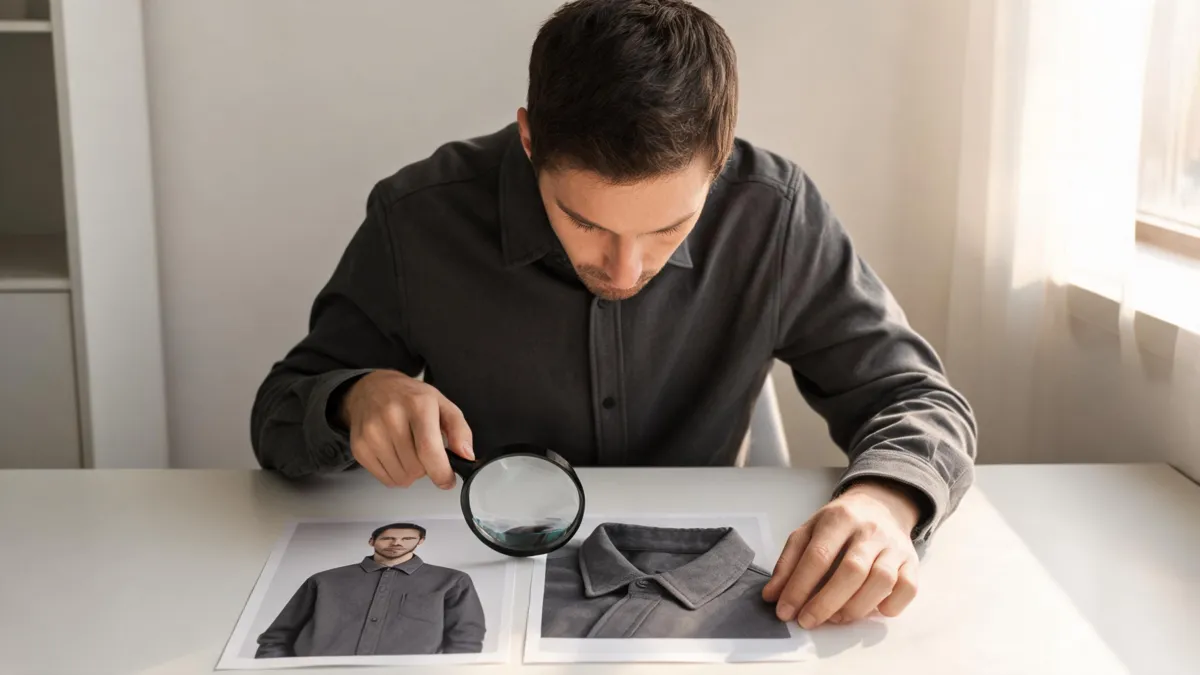
Editorial illustration of a full-size review setup, not an Insmind output or a product-quality claim.
Which details reveal a weak outfit edit?
Do not judge only from the outfit at thumbnail size. The most revealing parts are where a garment meets a person or the room.
Face, hair, and body continuity
The person should still be recognizably the source subject. Check facial features, hairline, expression, skin tone, and broad proportions. A convincing blazer on a different-looking person is not a useful outfit comparison.
Collar, sleeves, hands, and hems
Zoom in around collar points, shoulders, cuffs, fingers, bag straps, jewelry, and the bottom edge of the garment. These intersections show whether an edit has created believable boundaries or merged details into the new fabric. If hands cross the torso, a simpler source photo is often a better fix than a more elaborate prompt.
Fabric, patterns, and labels
Buttons, seams, stripes, prints, and small logos are easy to smear or invent. A reference image may guide a broad color or silhouette, but a generated result should not be used to claim an exact retail pattern, brand, construction, or licensing status.
Light and scene stability
Compare the shadow beneath the chin, along the sleeve, under the arm, and around the hem. The new garment should fit the original light direction. Also scan beyond the clothes: unintended changes to skin, furniture, or the background count as part of the edit, not as a harmless side effect.
If the result looks attractive but not quite credible, use the diagnostic sequence in why AI clothes swaps look fake. It helps you name the failure instead of endlessly generating unrelated variations.
Watch an Insmind outfit-change walkthrough
This third-party video demonstrates an Insmind outfit-change workflow for UGC ads; it is not independent proof of output quality, privacy practices, or current plan terms.
What should happen after the preview?
The next step depends on the decision, not on whether the image looks impressive.
| If you need to decide | Use the preview for | Verify somewhere else |
|---|---|---|
| Personal style direction | Color, layering, broad silhouette, and formality | The actual item, comfort, weather, and event dress code |
| A purchase | Whether a direction is worth opening in a retailer's catalog | Size chart, materials, current photos, availability, and returns |
| A professional portrait | Whether an outfit reads appropriately in the existing photo | Employer, client, credential, or platform requirements |
| Ecommerce planning | An early creative direction | Product samples, SKU details, image rights, approvals, and final retouching |
Use a generated image responsibly. Do not represent a visual concept as a delivered product, a real uniform, a medical or professional credential, or a photo of an event that did not occur. For sellers, a generated styling draft is especially different from an approved product listing: shoppers still need accurate product photos and facts.
Frequently asked questions
How does Insmind AI Clothes Changer work?
Insmind's current public tool page describes uploading a clear portrait, brushing the clothing area to replace, describing the new outfit, then generating and inspecting the result. Its controls, access conditions, credits, and export options can change, so check the live editor before a paid or important use.
What photo should I upload to an AI clothes changer?
Use an authorized photo of an adult with clear light, a visible torso, and minimal overlap from hands, hair, bags, or furniture. Keep an untouched original so you can compare whether the result changed more than the outfit.
Can an Insmind AI clothes changer result prove fit or fabric details?
No. An outfit preview can help compare broad color, silhouette, and styling direction. It cannot measure your body, verify a seller's size chart, confirm material or stock, or predict how a real garment will fit, move, or feel.
Related guides
- Try the free AI clothes changer → — use one authorized photo to compare an outfit direction.
- AI virtual try-on: how it works and what to expect
- Why AI clothes swaps look fake: a practical diagnostic checklist
- How accurate are AI clothes changers? What they can and cannot show
- Clothes color changer
Try a controlled comparison
Start with one clear, authorized photo and one narrow outfit question. Use the AI clothes changer → to make a visual comparison, then verify any real-world garment decision separately.