
How to Put Yourself in a Team Jersey With AI
Use a jersey swap AI workflow to preview a team jersey on your own photo. Learn photo choice, prompt tips, logo safety, and quality checks.
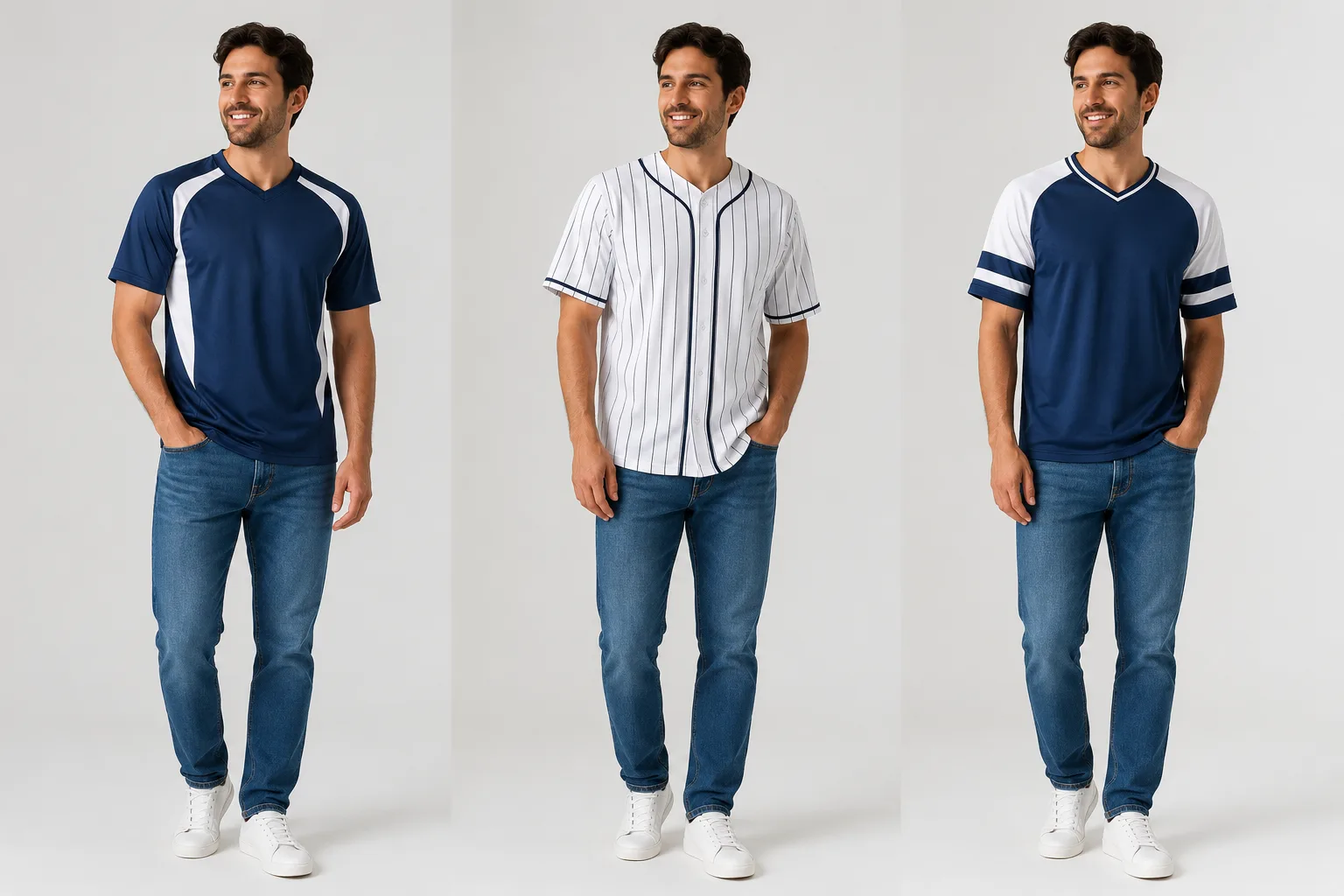
A jersey swap AI edit works best when you treat it like a fan outfit preview, not a perfect licensed uniform generator. If you want to put yourself in a team jersey for a profile photo, sports graphic, fantasy league post, or game-day idea, start with a clear photo and a simple jersey direction. The AI jersey generator can help you test the look before you open a full design tool.
Last updated: July 9, 2026 - about 7 min read
A good jersey swap is not only about the shirt. The face should stay recognizable, the shoulders should still make sense, the background should not melt, and the jersey should look like fabric on a real body. That is where a focused AI clothes changer workflow is more useful than a generic image edit.
Think of this as the practical side of an AI jersey generator. A design-first jersey tool is useful when you are inventing a flat uniform graphic; a photo-first workflow is better when you want to see that jersey on your own body, in your own pose, with your face and background preserved.
Quick answer
To put yourself in a team jersey with AI:
- Use a front-facing or three-quarter photo with visible shoulders.
- Choose one jersey direction: home, away, retro, or fan-style.
- Avoid asking for exact official logos unless you have the rights to use them.
- Keep the prompt focused on fabric, color, collar, sleeve, and number placement.
- Compare the result at social-post size before saving it.
If you need a realistic fan preview, a jersey swap AI workflow is enough. If you need production-ready merchandise art, use it as a concept step before final design review.
That distinction matters. The AI jersey generator step helps you decide the jersey direction; the swap step checks whether the idea still works on the person who will actually appear in the photo.
Start with the right photo
The source photo decides whether the jersey looks natural. Use a picture where the upper body is readable.
Good input photos have:
- Face and shoulders visible.
- Arms away from the torso or relaxed at the side.
- Shirt neckline not hidden by a hoodie, scarf, or hair.
- Even lighting on the chest and face.
- A simple background.
- Enough resolution to keep fabric edges clean.
Avoid photos where the body is twisted, the shirt is mostly cropped out, or the arms cover the chest. A jersey has structure: neckline, sleeve seam, shoulder width, body panel, and sometimes number placement. If the AI cannot see those areas, it has to invent too much.
Decide what kind of jersey you want
Most failed jersey swaps happen because the prompt asks for "a team jersey" with no visual direction. That leaves too much open.
Pick one lane:
| Jersey lane | Best for | Prompt direction |
|---|---|---|
| Home jersey | Classic fan photo | Team-color jersey, clean collar, short sleeves |
| Away jersey | Brighter social post | White or light jersey with accent stripes |
| Retro jersey | Vintage sports edit | Old-school collar, thicker stripes, softer fabric |
| Minimal fan jersey | Safer profile photo | Solid color jersey-inspired shirt, no official logo |
| Custom number jersey | Fantasy or creator post | Large number placement, simple name area, no tiny text |
The safest first test is a minimal fan jersey. It gives the sports signal without forcing the AI to recreate small logos, official patches, or exact sponsor marks.
Use color and structure before logos
For personal use, it is tempting to ask for the exact team logo. For a clean edit, start with the parts that actually determine whether the jersey suits the photo:
- Main color.
- Collar shape.
- Sleeve length.
- Stripe placement.
- Fit: loose, athletic, or relaxed.
- Whether the jersey is tucked or untucked.
- Number size and placement.
Tiny logos and readable text are hard for image models to keep exact. If a mark must be legally and visually accurate, add it later in a design editor. Use the AI jersey swap to settle the outfit and pose first.
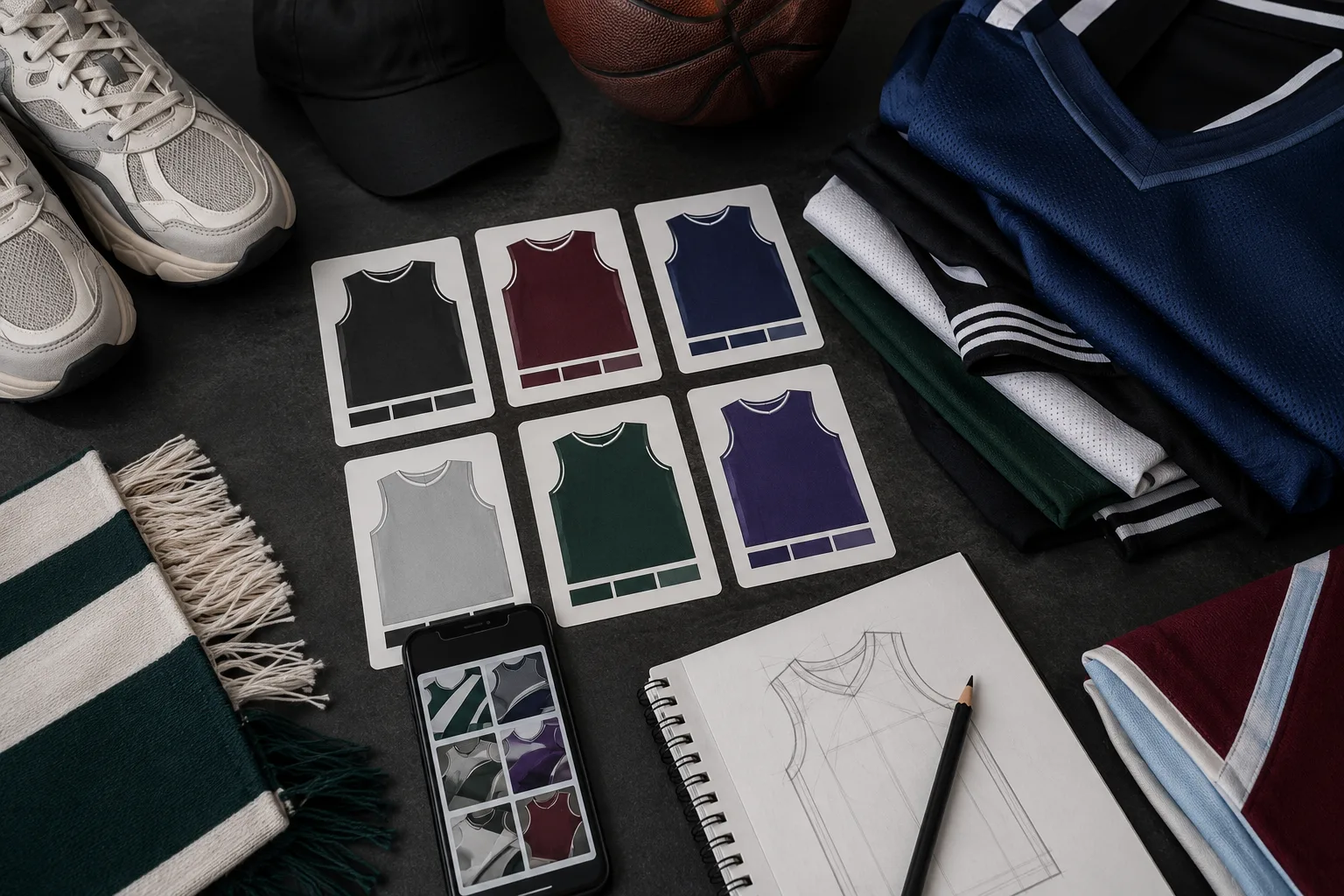
Plan color, collar, sleeve, and number placement first. Treat exact logos as a separate design step.
Prompt examples for jersey swap AI
Use a short prompt that protects the person and changes only the clothes.
For a classic fan photo:
Change the shirt into a realistic navy and white soccer jersey, short sleeves, athletic fabric, clean V-neck collar, subtle stripe accents, natural fit. Keep the same face, hair, pose, skin tone, lighting, and background.
For a basketball-style edit:
Replace the top with a sleeveless basketball jersey in deep red and cream, realistic mesh texture, relaxed fit, simple number area with no readable text. Keep the face, arms, background, and lighting unchanged.
For a safer profile-photo version:
Change the outfit into a sporty team-color jersey-inspired shirt, dark green with white trim, no logo, no text, natural cotton fabric, realistic neckline. Keep identity, pose, and background stable.
That last version is often the cleanest for LinkedIn, Discord, fantasy sports, or profile avatars because it avoids unreadable marks.
Check the result like an editor
Do not judge only the first impression. Zoom in and check the places where jersey swaps usually break:
- Does the neckline follow the body?
- Are both sleeves plausible?
- Did the neck, chin, or hairline change?
- Did the background get altered around the shoulders?
- Does the jersey color reflect the lighting in the photo?
- Are letters or numbers warped?
- Does the edit still look good when cropped small?
If the face changes, simplify the outfit. If the jersey looks pasted on, reduce the number of design details. If the logo or number looks messy, remove text from the prompt and add design elements later.
When to use AI dress up instead
A jersey swap is one narrow use case. If you want to compare a whole game-day look, use AI dress up instead. You can test jersey plus jeans, jacket, sneakers, cap, or a cleaner outfit for a group photo.
Use jersey swap AI when the jersey itself is the point. Use AI dress up when the full outfit matters.
For a creator post, the AI jersey generator may give you the team-color idea, but AI dress up is better for testing the full game-day outfit. Use the smaller tool for the smaller decision and the broader workflow when shoes, jacket, cap, or group styling matter too.
For more formal outfit changes, the same principle applies: keep the person stable and change one wardrobe decision at a time. The put suit on photo guide is a useful comparison because suit edits and jersey edits both depend on neckline, shoulders, and fabric realism.
Common mistakes
The biggest mistake is asking for too much at once:
exact team jersey, official logo, sponsor name, number 23, stadium background, confetti, dramatic lighting, holding a trophy
That prompt changes the scene, not just the outfit. Start smaller:
realistic team-color jersey, short sleeves, clean collar, natural fabric, keep face and background unchanged
Once the outfit is stable, you can build the post around it.
Final checklist
Before you save a jersey swap AI result, confirm:
- The face still looks like you.
- The jersey sits naturally on shoulders and chest.
- The sleeves and collar are clean.
- There is no accidental logo or warped text.
- The image still works at social-post size.
- The edit is appropriate for how you plan to use it.
A strong jersey edit should feel like you wore the jersey in the original photo. If it feels like a sticker, simplify the prompt and regenerate.
The cleanest workflow is usually: choose the sports direction with an AI jersey generator, run the jersey swap AI edit on your actual photo, then add any official text or branding only if you have the rights and a design tool that can keep it accurate.
FAQ
Can AI put me in a real team jersey?
AI can create a team-style jersey preview, but exact official logos, sponsor marks, and uniform details may not render accurately. If accuracy or rights matter, use AI for the outfit preview and finish the exact design manually.
What is the best photo for a jersey swap?
Use a clear upper-body or full-body photo with visible shoulders, even lighting, and a simple shirt. Avoid heavy coats, crossed arms, and cropped torsos.
Can I use a jersey swap for sports graphics?
Yes, for concepting and personal content. For commercial sports graphics, check rights around team marks, player likenesses, and official branding before publishing.
Is an AI jersey generator enough for a profile photo?
It can be, but only if the result keeps your face, shoulder shape, lighting, and background stable. For a realistic profile image, use the jersey concept as direction and judge the final jersey swap at the size where you will post it.