
Vidnoz AI Clothes Changer Alternatives
See what Vidnoz AI Clothes Changer publicly offers, how to test one outfit edit, and when a focused alternative is the better workflow.
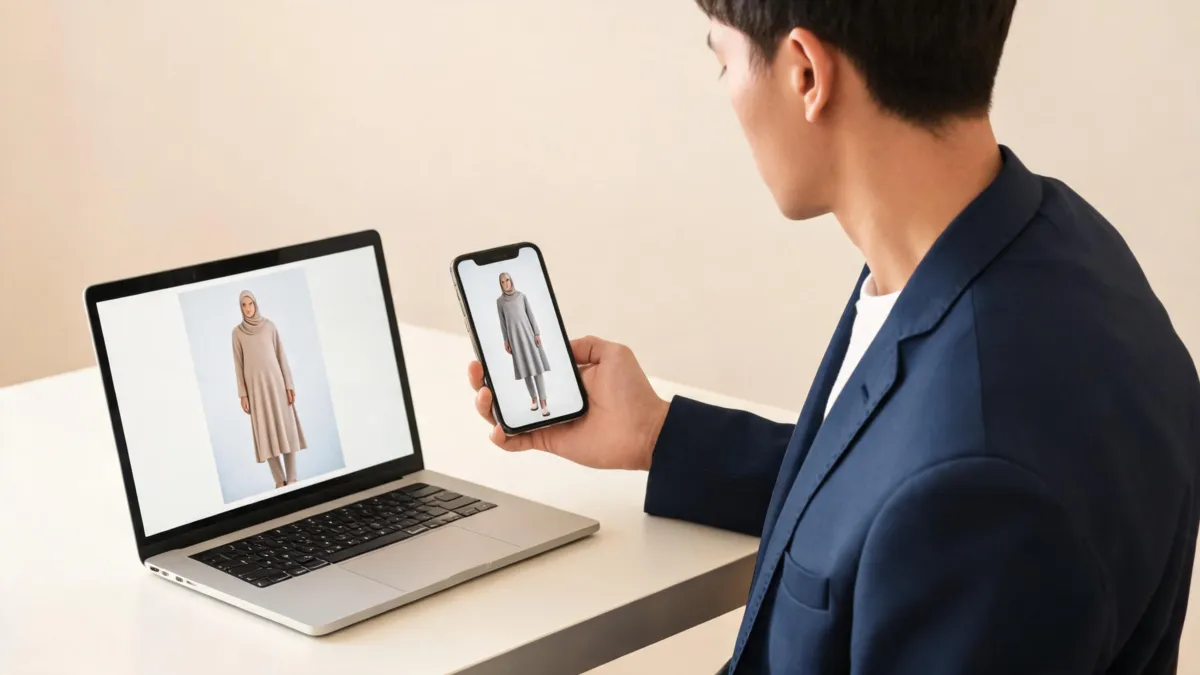
Vidnoz AI Clothes Changer is an online outfit-editing option for testing a clothing direction in a person photo; try an alternative when your real job is a controlled, garment-focused comparison. Start with a clear image you may edit, make one modest clothing request, and compare the output with the original. An AI clothes changer can serve that narrower comparison workflow, but neither kind of preview proves fit, stock, fabric, or permission.
Last updated: September 5, 2026 · about 8 min read
What Vidnoz AI Clothes Changer publicly offers
Vidnoz's AI Clothes Changer page presents a browser-based workflow for changing clothes in a person image. Its public page describes uploading a photo and working with clothing options or a clothing image. That establishes the basic use case: test how a different outfit direction might read in a picture.
It does not establish that every photo, clothing reference, account state, export, or result will behave the same way. Product screens and terms can change. Check the live tool before uploading a personal image, and keep the original file outside the editor so you have something honest to compare against.
The useful question is not whether a thumbnail looks impressive. It is whether the render answers one visual question without quietly changing the rest of the photo. For example, a navy blazer preview can help you decide whether a darker layer feels right for a portrait. It cannot tell you whether a particular blazer is in stock, fits your shoulders, or has the same material and construction in person.
| Your real question | A clothes-changing preview can help with | Use something else to verify |
|---|---|---|
| Does a color suit this photo? | Contrast, mood, and broad styling direction | The retailer's actual shade and product photos |
| Does a casual look need a layer? | A rough comparison of formality and silhouette | Comfort, measurements, and venue rules |
| Can I show this item to a customer? | A creative draft for internal review | SKU facts, rights, approval, and final photography |
| Will this garment fit me? | Very little | Size chart, measurements, reviews, and return terms |
Treat the generated image as a visual draft. The claim you make about it should be smaller than the image makes it feel.
When an alternative is the better choice
The word “alternative” is only useful when it describes a different workflow, not a vague claim that one tool is universally better. A broad creative platform can be sensible when clothes are one part of a wider image project. A focused workflow is usually a better match when you want to compare a person photo with a specific garment direction and review only the clothing boundary.
Choose a focused virtual try-on workflow when the task is deliberately small: keep the person, pose, hair, lighting, and background stable; change one garment; then evaluate the result beside the original. That narrow brief makes failures easier to see. It also avoids turning a simple clothes test into a new portrait with a new identity or scene.
Choose real photography, a fitting room, or seller documentation when the decision depends on measurements, fabric weight, stretch, transparency, construction, availability, or a claim a customer could rely on. An image generator cannot supply those missing facts.
Test the same clothing decision in three steps
- Start with an authorized, readable photo. Use one adult subject, visible shoulders and torso, even light, and as little hand, hair, bag, or furniture overlap as possible. Keep an untouched copy. Do not upload a photo you do not have permission to edit.
- Ask one bounded question. Try a request such as “replace only the overshirt with a simple charcoal blazer; keep the face, hands, pose, lighting, and background unchanged.” Avoid combining clothes, body reshaping, makeup, new lighting, and a new location in one request.
- Inspect the full-size result. Compare source and output at normal size, then zoom into the neckline, hair overlap, shoulders, sleeves, hands, seams, shadows, accessories, and background. Reject a result that changes the person or scene enough to make the clothing decision unfair.
For a garment-reference comparison, the AI clothes changer review checklist gives you a repeatable pass instead of relying on a first impression. If you only need a new shade on the garment already in the photo, use a clothes color changer rather than asking for a full outfit replacement.
Watch the official Vidnoz workflow, then do your own review
This short walkthrough from Vidnoz demonstrates the vendor's clothes-changer workflow; it is not an independent quality test.
Review the image before you treat it as useful
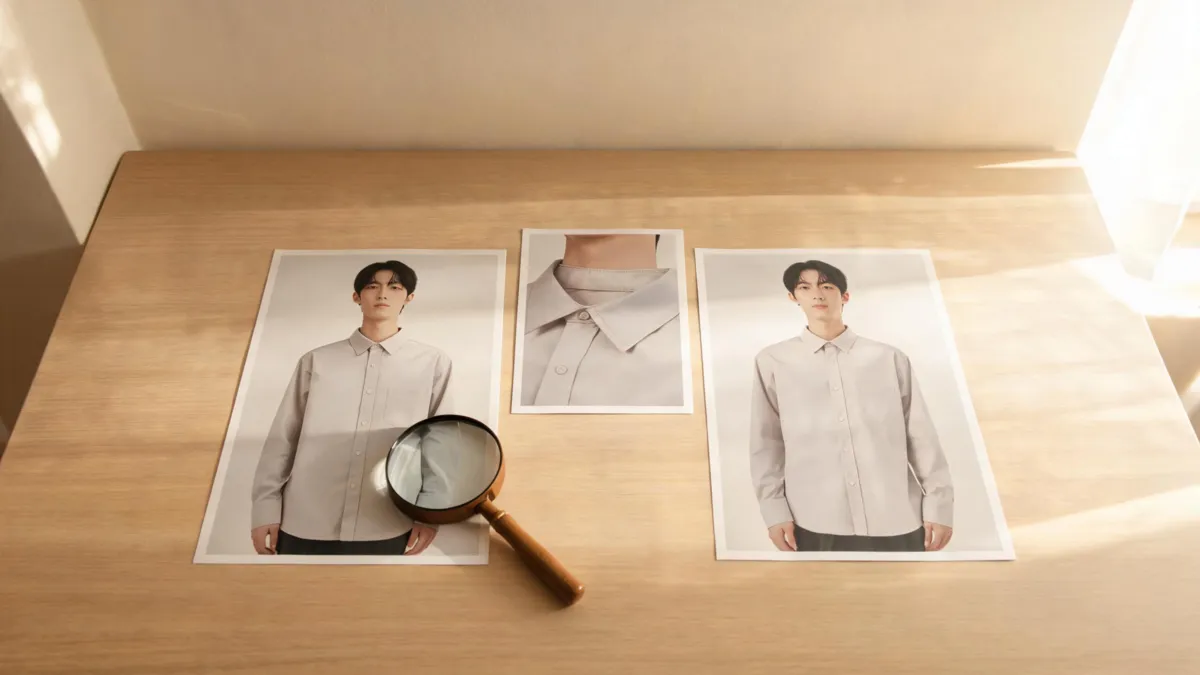
A fair comparison keeps the original beside the variation and checks the places where clothing meets hair, skin, hands, and the scene.
Use this quick pass before you save or share an output:
- Identity and pose: The face, apparent body shape, expression, and pose should still match the original well enough for the clothing comparison to mean anything.
- Garment boundaries: Collars, shoulder seams, cuffs, hair, hands, jewelry, bags, and chair edges are common failure points. A convincing color does not fix a floating collar.
- Light and material: Folds, texture, shadows, and highlights should fit the source scene. Generated fabric is not proof of the real garment's texture or drape.
- Words and logos: Do not use a generated image to preserve a product label, badge, or fine print. Use an approved asset when exact wording matters.
- Intended use: A private style test has a lower bar than a product listing, paid placement, application photo, or documentary record. Escalate the review as the claim becomes more consequential.
Limits, privacy, and honest presentation
This guide was reviewed on September 5, 2026 using Vidnoz's public clothes-changer page and the vendor's video. AIClothSwap did not independently benchmark Vidnoz's output quality, pricing, retention practices, or every account state. Check Vidnoz's current pages before relying on a particular allowance or export condition.
Use only photos and garment references you are authorized to edit. If an image will be used commercially, keep the original, name synthetic variants clearly, and have someone responsible for the claim review the final image against the real product. A preview can be a helpful decision aid. It should not impersonate a documented event, certify a product fact, or replace a fitting decision.
Frequently asked questions
What does Vidnoz AI Clothes Changer do?
Vidnoz presents its AI Clothes Changer as an online photo-editing workflow for changing clothing in a person image. Check the live page for its current upload, account, credit, and export conditions before you use it.
When should I use an alternative to Vidnoz AI Clothes Changer?
Try a different workflow when you need a focused clothing comparison, a specific garment reference, or a controlled review of whether only the outfit changed. No generated preview can confirm real fit, stock, fabric, or a seller's product details.
Can an AI clothes changer show whether clothing will fit?
No. A photo preview can help you compare color, silhouette, and styling direction, but it cannot measure a body, confirm a size chart, or reproduce real fabric feel and movement.
Related guides
- Try the free AI clothes changer →
- Virtual try-on
- AI clothes changer review checklist
- How to change an outfit without changing the face
Keep the comparison small enough to trust
Test one clothing decision, preserve the source image, and check real-world details somewhere other than the render. Start a controlled outfit comparison →.