
ChatGPT Outfit Edit Prompt: Keep Changes Controlled
Use a ChatGPT outfit edit prompt that names one clothing change and what must stay fixed, then review the result before relying on it.
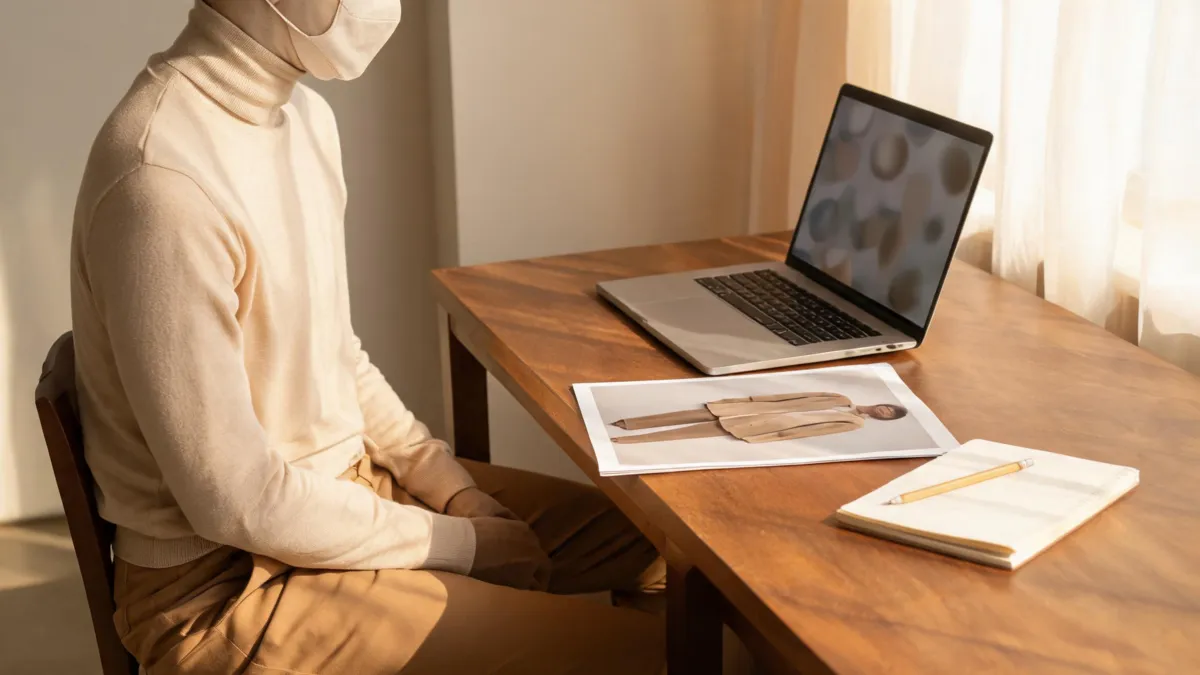
A useful ChatGPT outfit edit prompt asks for one clothing change and explicitly names what should stay fixed: the person, pose, hair, hands, lighting, background, and crop. Upload only an image you may edit, make a small request, and compare the output with the original before you treat it as a style decision. ChatGPT supports uploading an image and describing an edit, but its own guidance notes that selections are not always precise; a result still needs review. For garment-reference work, a dedicated AI clothes changer can keep the job more focused.
Last updated: September 4, 2026 · about 7 min read
Start with a change the image can answer
An outfit edit can help you compare visual direction: whether a navy jacket feels more formal than an overshirt, whether a warmer color works near your face, or whether a simpler neckline reads better in a headshot crop. It cannot prove the size, comfort, stock, fabric weight, or exact construction of a real garment.
OpenAI's current ChatGPT Images guide says you can upload an existing image and describe the desired change. Its prompting guidance recommends being explicit about what should change and what should stay the same. That is a sound approach for outfit edits, but it is not a promise that every output will preserve every pixel.
| Your question | A controlled edit can help | Check somewhere else |
|---|---|---|
| Does a blazer look more formal in this portrait? | Yes, if the pose and scene stay fixed | The real dress code and garment fit |
| Do I prefer forest green or navy near my face? | Usually, as a color-direction comparison | The real color under your intended light |
| Will this exact jacket fit my shoulders? | No | Measurements, size chart, reviews, and a fitting room |
| Can I show this image as a product fact? | Not on its own | The real SKU, approved photography, and product copy |
Use a prompt that separates change from preservation
Start from the original image every time. Do not make the second outfit version from the first generated version; otherwise, small changes can accumulate and you lose the fair comparison.
Use this structure, then replace the brackets with a modest, specific outfit:
Change only the outfit to [one specific outfit or garment direction]. Keep the same adult person, face, hairstyle, natural body proportions, pose, hands, lighting, background, camera angle, and crop. Keep the clothing fully opaque and modest. Do not add text, logos, accessories, or change the setting.
The preservation list is not magic wording. It gives you a clear review standard. If the result changes the face, lighting, or setting, you know it did not answer the question you asked.
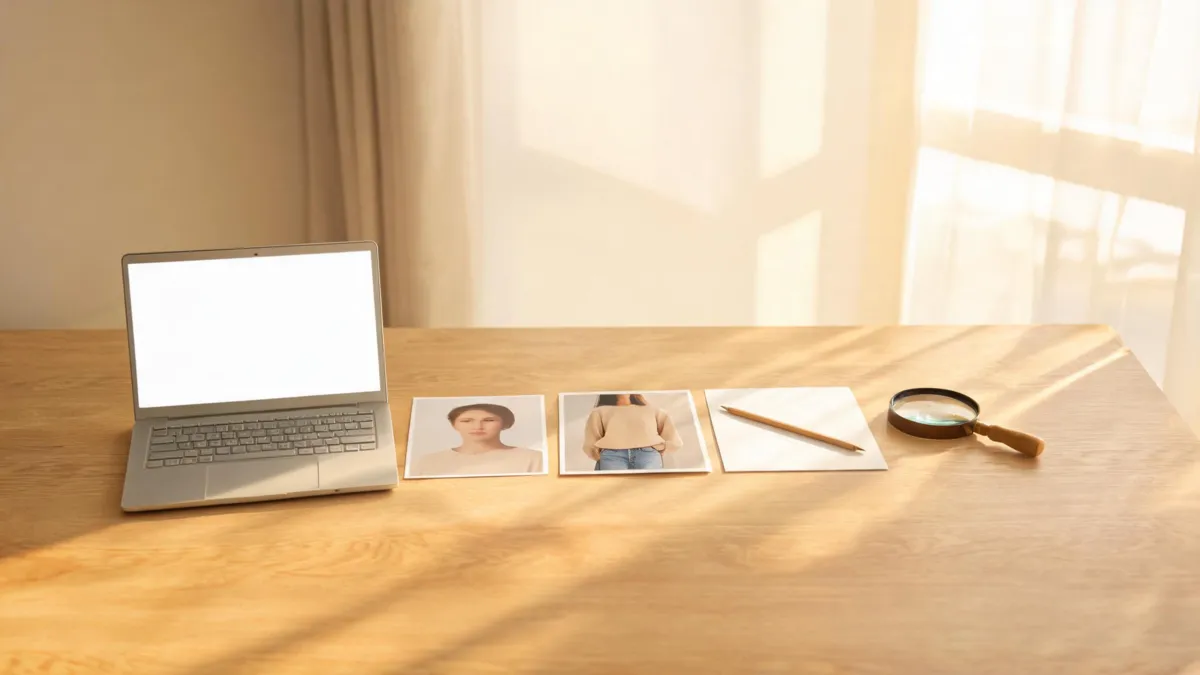
A prompt is only the start: compare the output against the original before treating it as a usable outfit decision.
Make the first test in three steps
- Prepare a clean source. Choose one adult subject, clear shoulder and torso edges, useful light, and as little overlap from hands, hair, bags, or furniture as possible. Do not upload someone else's photo without permission.
- Change one visible variable. Request one jacket, shirt, dress direction, or color family. Avoid mixing an outfit edit with a new location, body change, hairstyle, expression, or camera style.
- Inspect, then revise narrowly. Check at full size. If a cuff is wrong, revise the cuff or start again; do not add unrelated instructions in hope of rescuing the entire image.
OpenAI's guidance also allows selecting an area before describing an edit. If your interface offers that option, it can help communicate the intended clothing area—but review it closely because the official help page warns that highlights may extend beyond the precise area you selected.
Never use a prompt to imitate another person's identity or present an edited image as evidence of a real event, job, uniform, or product feature. Keep the claim smaller than the image.
Know when to stop prompting
Regenerate from the original or choose a different workflow when the result repeatedly changes the wrong thing. Common stop signs include a different face, altered body proportions, broken hands, a collar that overlaps hair implausibly, a changed background, or fabric that no longer makes sense in the original light.
For a specific garment, use a clear reference image and make the goal explicit: you want a visual direction, not a verified reproduction. For a color-only decision, a clothes color changer is usually a narrower task. For a complete look idea rather than an edit to a particular photo, the AI outfit generator is a better discovery workflow.
If the decision is a purchase, open the retailer's product page next. Compare measurements, material, color options, and returns policy. If the decision is a professional photo, use the preview to choose a direction, then wear or photograph the real clothing. A generated image is a visual draft, not a substitute for those checks.
Review before you save or share
Use this short post-edit checklist:
- The source photo and any outfit reference are yours to use, or you have permission.
- The face, apparent age, body, pose, hands, hair, background, and crop remain consistent enough for a fair comparison.
- Collar, shoulders, sleeves, hems, shadows, fabric texture, and overlap with hair or hands look plausible at full size.
- The image does not imply a real item's fit, stock, construction, label, or price.
- The filename or handoff makes clear that this is an AI-generated variation when that context matters.
For a broader quality gate, use the AI clothes changer review checklist. It is useful whether the image came from ChatGPT or another image-editing workflow because it focuses on what a viewer can reasonably infer from the final result.
Privacy is a decision before the prompt
An outfit prompt may be harmless while the source image is not. Remove unnecessary personal information, avoid photos that reveal documents or private locations, and read the live service settings and policies before upload. OpenAI's file storage guidance explains how uploaded and created files are stored in ChatGPT's Library; check the current policy that applies to your account before using personal photos.
Keep the original separate from generated variants. That makes it easier to compare what changed and to delete a draft you do not want to keep. It also prevents an edited version from being mistaken for the untouched photo later.
Frequently asked questions
What is a good ChatGPT prompt for changing an outfit in a photo?
Name one clothing change, then name the elements that should remain stable: the person, pose, hair, hands, lighting, background, and crop. Review the result rather than assuming every preservation instruction was followed.
Can a ChatGPT outfit edit prove how a real garment will fit?
No. It can help with a visual direction such as color or formality, but it cannot measure a body, verify a garment's construction, or predict real-world fit and comfort.
Why did an outfit edit change the face or background?
Image editing is generative, so the model may extend a change beyond the intended area. Start from the original, reduce the request to one change, state the elements to preserve, and reject outputs that do not support a fair comparison.
Related guides
- Try the free AI clothes changer →
- Can ChatGPT change outfits in photos?
- AI clothes changer prompt examples
- Why AI clothes swaps look fake
Keep the output smaller than the claim
Use a prompt to compare one outfit direction, then verify anything real-world outside the render. Try a focused clothing preview →.