
Perchance AI Clothes Changer: What to Check Before You Upload
Searching for a Perchance AI clothes changer? Use this upload, privacy, and output-review checklist before you share a photo with any tool.
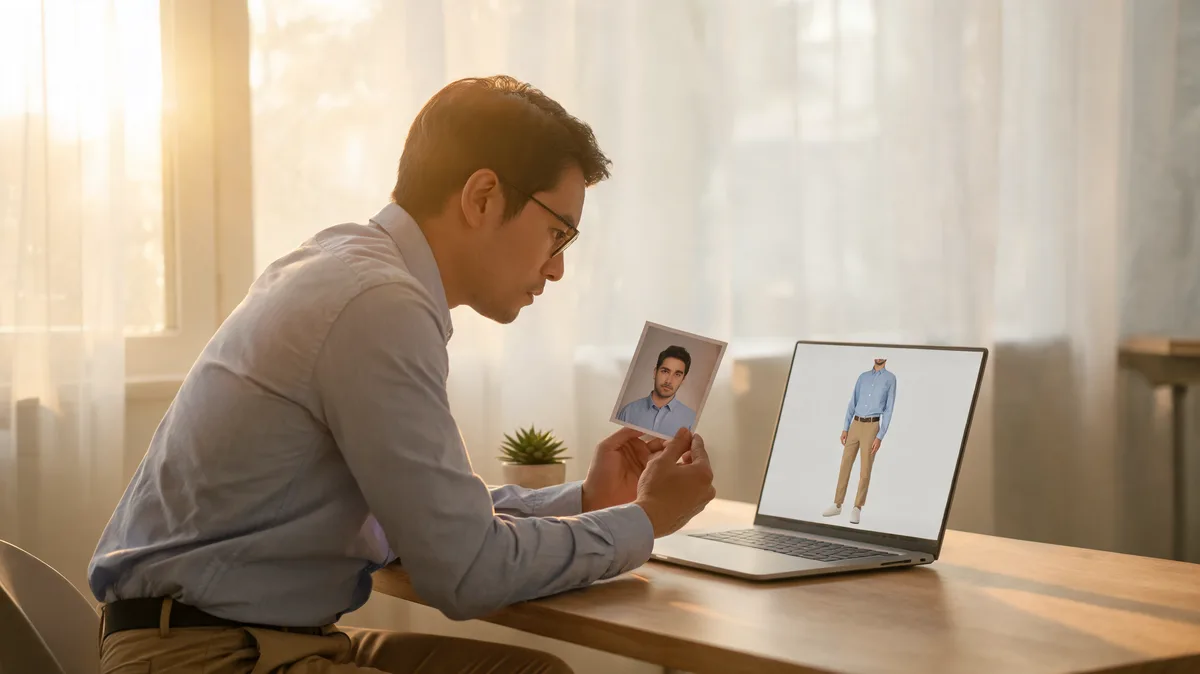
If you are searching for a Perchance AI clothes changer, do not treat the query alone as proof that there is one official, verified clothes-changing product behind it. Confirm the provider and its live upload rules first, then use only an authorized adult photo for a small, reviewable outfit test. The same careful workflow applies in an AI clothes changer: protect the source, change one thing, and judge the output beside the original.
Last updated: September 26, 2026 · about 7 min read
This is an independent safety-and-review guide, not a claim that a particular Perchance page offers a clothes-changing feature. We checked the Perchance homepage and search results for the exact phrase on September 26, 2026. The provider site presented an automated-access challenge to our review, and the search results included broad image-generator tutorials and unrelated clothes-changing tools rather than a stable first-party clothes-changer walkthrough. Interfaces, policies, and availability can change; the live provider page is the decision source before any upload.
What does “Perchance AI clothes changer” mean in practice?
It may be a search label rather than the name of a defined product. That matters because an image generator, a third-party prompt guide, and a dedicated virtual try-on service have different inputs, terms, moderation rules, and retention practices. Do not infer those details from a tutorial title, social post, or search snippet.
Use this quick triage before clicking an upload button:
| What you find | What to verify | Safe conclusion |
|---|---|---|
| A page on the provider's own domain | The exact tool name, upload controls, terms, and privacy notice | It may be a current first-party workflow; read the live rules before use |
| A tutorial or video | Who made it, its date, and whether it links to the provider | It can explain one person's route, not prove current product behavior |
| A different tool using the same keyword | The domain, developer, and data policy | It is a separate service with separate rules |
| A prompt gallery or image generator | Whether it accepts a source photo and what it changes | It may make an illustration, not a controlled clothes edit |
A phrase in a search result is not a product specification. If you cannot identify the provider and find its current policy, do not upload a personal image just to test it.
For a true clothing comparison, the useful question is narrower: can the tool keep the person, pose, and setting recognizably stable while changing the outfit? A virtual try-on workflow is designed for that kind of focused visual decision. If your goal is only a color alternative, use a clothes color changer instead of asking a general image generator to redo the scene.
Check the upload and privacy terms first
Start with the live page that will receive the image—not a cached search result. Look for a clear privacy notice and terms link. You are trying to answer practical questions, not award a trust score:
- Who operates the service? Identify the domain and the entity named in the policy. A similar-looking brand name is not enough.
- What photo access is requested? On a phone, prefer selecting one image over granting a whole-library permission when the operating system offers that choice. Google explains that photo and video access is sensitive and recommends a system picker for one-time or limited selection in suitable cases in its Photo and Video Permissions policy.
- What happens after upload? Read what the current policy says about storage, deletion, training, sharing, and account requirements. If it does not answer the question plainly, treat that as unresolved rather than filling in the blanks.
Keep personal boundaries in the workflow. Upload only an image you own or have permission to edit, avoid images containing private documents or other people, and do not use a generated outfit preview to imply an event happened. AIClothSwap's content policy applies the same consent-first standard.
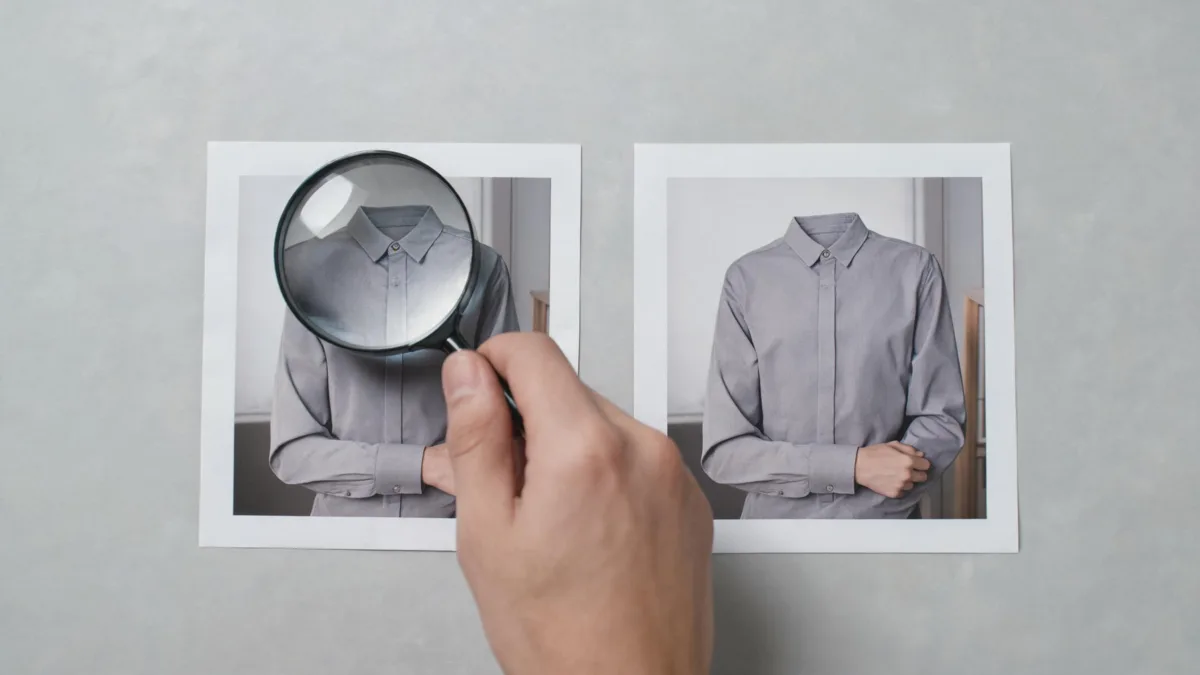
A conceptual editorial review setup, not a Perchance output. Compare the source and result at full size before you keep either one.
Run one controlled clothing test
Once the provider and policy are clear, make the first test easy to assess. Choose a clear, authorized adult portrait with visible shoulders, torso, and garment outline. Avoid a photo where hair, hands, bags, or furniture cover the clothing area.
- Keep a local original. Work on a copy so you can compare it without compression or accidental overwriting.
- Ask for one restrained change, such as “replace the jacket with a navy blazer; keep face, hair, hands, pose, lighting, and background unchanged.” Do not bundle a new outfit, body change, expression, and setting into one request.
- Put the output next to the source and inspect it at full size. Reject the result if it changes the person's identity or produces broken hands, cuffs, seams, shadows, or background edges.
For a stronger first source, use the best photo for an AI clothes changer checklist. Clear edges and even light give you a better chance of learning whether the outfit change itself worked.
Review the output before you download or share it
A plausible thumbnail is not enough. Work through the result in this order:
- Identity and consent: Does the face still look like the source person, and did everyone depicted agree to this kind of edit?
- Garment structure: Are collar, shoulders, sleeves, waist, and hem aligned with the original pose? Tiny logos, labels, prints, and buttons are especially easy to invent or distort.
- Intersections: Check hands at cuffs, hair at the neckline, glasses, straps, and accessories. These boundaries expose many weak edits.
- Light and scene: Compare shadows under the chin and arms, then trace the background around the silhouette. A clothing preview that rebuilds the room or changes body shape is not a controlled comparison.
If an image needs to support a purchase, client deliverable, or product listing, stop at the visual-direction stage. A generated preview cannot verify size, stock, exact materials, or construction. Use the retailer's measurements, garment photos, and return policy for those claims. For a diagnostic of obvious generation errors, see why AI clothes swaps look fake.
When a browser workflow is the better choice
You do not have to download an app to evaluate an outfit direction. A browser-based workflow can be useful when you only need one controlled test and want to avoid adding a permanent app permission to your phone. That is not automatically more private: the same questions about the website's operator, upload handling, account, and deletion still apply.
The advantage is practical. You can select one exported copy, compare results on a larger screen, and close the session when you are done. The limitation remains the same: no AI preview can prove a real garment's fit or availability.
Before switching routes, make the comparison fair. Use the same permitted source photo, keep the outfit request equally specific, and check the policy for the exact page that receives the file. A browser tab can reduce installed-app access, but it does not turn an unknown operator or unclear retention term into a safe assumption.
Frequently asked questions
Is there an official Perchance AI clothes changer?
We could not verify a stable official clothes-changer page for that exact query on September 26, 2026. Search results and third-party tutorials can use the phrase loosely, so confirm the actual provider, its live policy, and the upload screen before you send a personal image.
What should I check before I upload a photo to an AI clothes changer?
Confirm you have permission to use the image, read the live privacy and terms pages, use the narrowest photo-access option available, and keep an original copy. Then test one modest outfit change and inspect identity, hands, garment edges, lighting, and background before sharing a result.
Can an AI clothes changer show whether a real garment will fit?
No. A generated image can help you compare a color, silhouette, or styling direction. It cannot measure a person or garment, confirm stock, predict fabric behavior, or replace a retailer's measurements and return policy.
Related guides
- Try the free AI clothes changer →
- Use a virtual try-on workflow
- Change clothes color in a photo
- Choose a stronger source photo
- Check whether an AI clothes changer is safe
Make the first test small
Identify the real provider, read the current upload rules, and make one controlled comparison. When you need an outfit-direction preview, start with an AI clothes changer and preserve the original beside every result.