
Higgsfield AI Clothes Changer: What to Check Before You Upload
Use a Higgsfield AI clothes changer workflow more carefully: verify the live studio, image rights, output review, and current privacy terms.
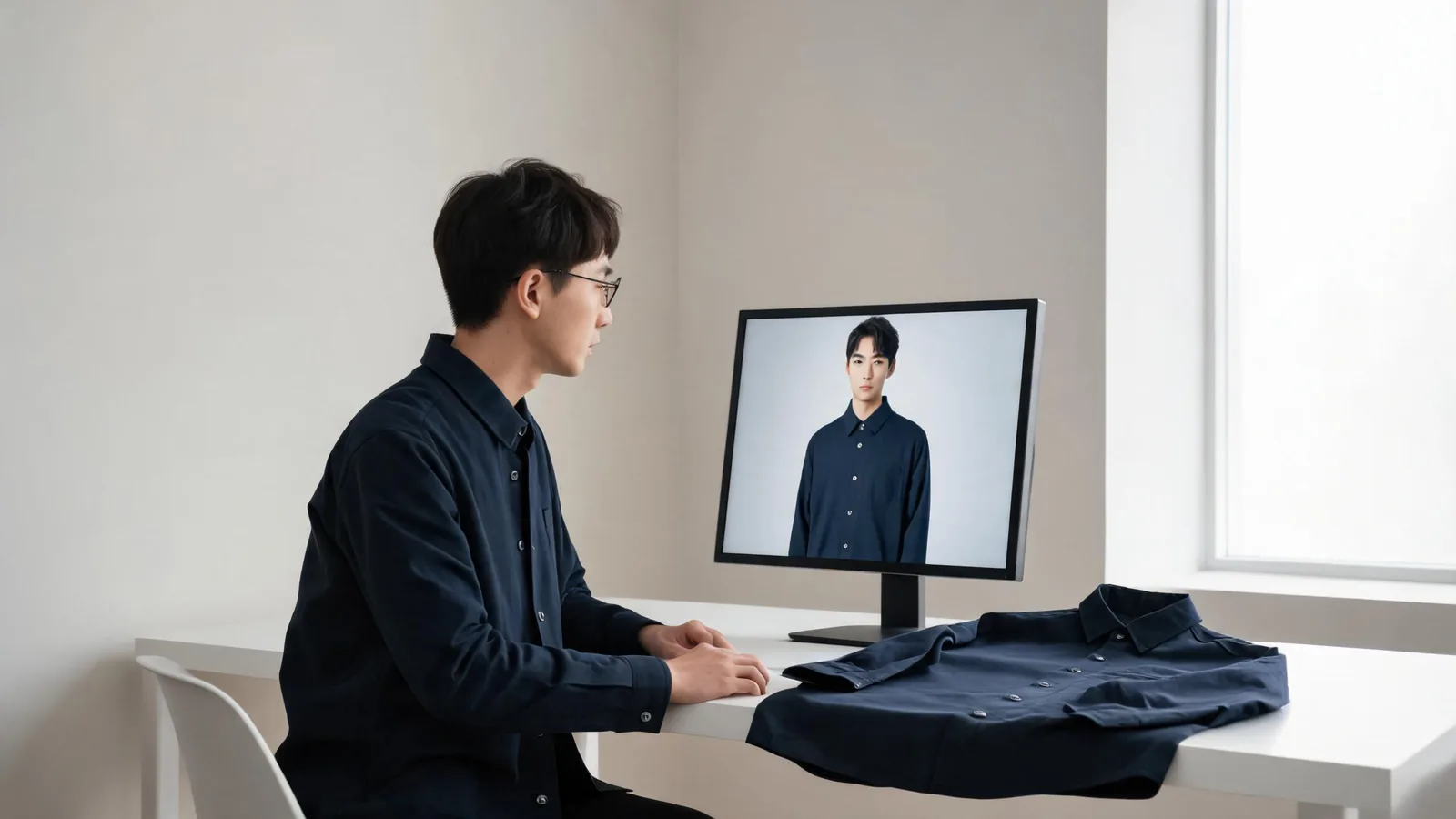
Higgsfield's public site currently lists Fashion Factory as part of its creative suite, but you should verify the live signed-in workflow before uploading any fashion image. Use only authorized adult portraits and garment references, keep your first test controlled, and inspect the result for identity, garment-edge, lighting, and product-claim errors. A generated image can show a visual direction; it cannot prove real fit, fabric, stock, or permission.
Last updated: September 22, 2026 · about 8 min read
This companion has a different job from our AI clothes changer accuracy guide. That guide explains the general boundary between a useful preview and a fitting-room promise. This guide answers the branded evaluation question: what should you confirm about Higgsfield's current workflow, inputs, output review, and policies before you upload?
We checked Higgsfield's public creative-suite navigation, which lists Fashion Factory among its studios, plus its Terms of Use and Privacy Policy on September 22, 2026. The public pages establish that the fashion studio is currently listed; they are not a substitute for checking the live account interface. Models, credits, input options, retention choices, and export terms can change.
What can you verify before you upload?
Begin with facts that are visible before a generation. Do not build a workflow around an assumed button, model, or allowance that you have not confirmed in the current signed-in product.
| Check | What to confirm | Why it matters | Do not infer |
|---|---|---|---|
| Correct destination | Fashion Factory is still listed and the active account exposes the intended workflow | A suite can change its studios and controls | That an older tutorial matches today's interface |
| Source rights | You have permission to edit the adult portrait and garment image | A polished output does not create usage rights | That a public social image is free to upload |
| Input quality | Torso, garment boundary, sleeves, and reference details are readable | Clear inputs make review more meaningful | That a clearer source guarantees accuracy |
| Output use | The image is a concept, internal review, or an approved final asset | The review threshold changes by use case | That a preview proves SKU, fit, or availability |
| Current policies | The relevant account, privacy, and terms rules meet the intended use | Policies can govern content and third-party models | That last year's plan or terms still apply |
The safest claim is the smallest true one: “this generated image helped us compare a creative direction.” Do not let a good-looking render turn into an unverified claim about a real garment, person, or product.
Run one controlled fashion test
Large creative suites reward experimentation, but a first fashion test should be deliberately small. You want to learn whether the output preserves the person and garment direction—not whether a mix of prompts, models, styling, and scene changes can produce something striking.
- Prepare an authorized adult source image. Use even light and a full or half-body pose with visible shoulders, torso, sleeves, and hands. Retain an untouched original.
- Prepare one clear garment reference or direction. Choose a complete item with the collar, sleeve, hem, closures, and main pattern visible. If the work is only a color test, avoid replacing the whole outfit.
- Confirm the live Higgsfield controls. In the signed-in workspace, identify the relevant studio, accepted inputs, current model or credit notices, and export or sharing choices. Record what you saw rather than relying on an old walkthrough.
- Generate a plain baseline. Protect the face, body, pose, hair, background, and light. Do not mix the first clothing change with a new scene, pose, lens, or heavy editorial treatment.
- Review before regenerating. Name a single fault. If the collar breaks under the hair, the result has an edge problem; if the face changes, it has an identity problem. Change only the input or instruction that addresses that fault.
If you only need a simple garment comparison, a virtual try-on can be the smaller first test. For broad looks before you have a garment reference, use an AI outfit generator, then return to a controlled fashion preview once you have narrowed the direction.
How should you review the generated image?
Use the original and output side by side at a size where you can see construction. Small thumbnails hide the errors that matter most for a public or commercial asset.
Identity and pose
Check the face, hairline, expression, body proportion, pose, and visible skin. An outfit edit that makes the person look like someone else is not a reliable representation of the source. Never use a generated image to imply a person's endorsement, employment, identity, or role without their approval.
Garment edges and details
Inspect the shoulder seam, collar, lapel, sleeve opening, cuff, waist, hem, hands, jewelry, bags, buttons, and repeated patterns. These intersections reveal whether the image is holding together. A single bad cuff may be harmless for a private mood board and disqualifying for an ecommerce image.
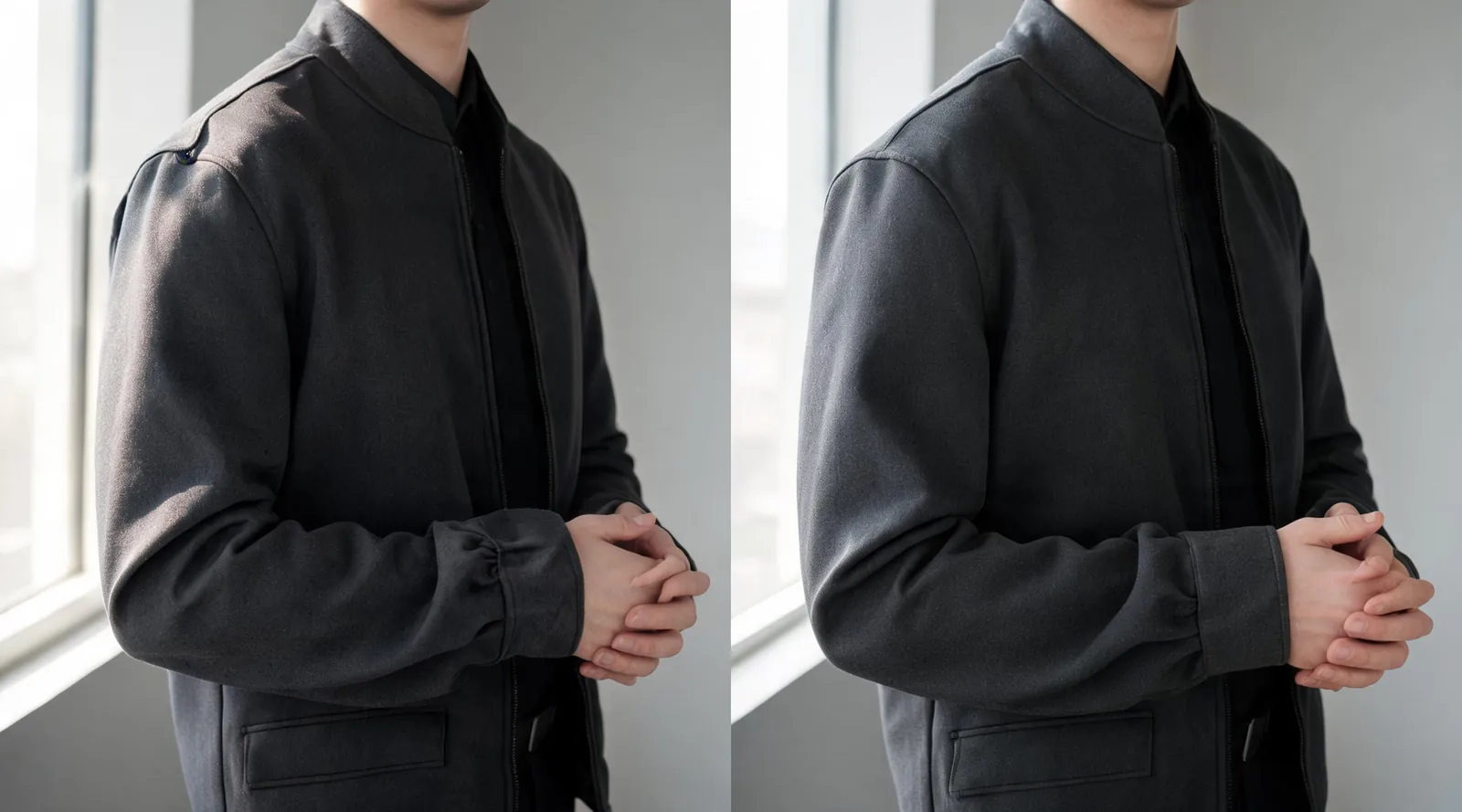
Editorial review visual: compare garment boundaries and hands at close size; this is not a claimed Higgsfield output.
Light, material, and product truth
Check whether folds and shadows follow the original scene. Keep a sharp line between what the image shows and what it cannot establish. A result may suggest that a dark jacket reads more formal in this portrait. It cannot prove the jacket's exact fabric, color in other lighting, physical drape, size, comfort, construction, availability, or return conditions.
For a deeper inspection sequence, see why AI clothes swaps look fake. It gives you practical names for failures instead of leaving you to generate until a result merely feels acceptable.
Privacy, terms, and commercial use need their own check
Higgsfield's public Terms of Use, last updated July 26, 2026, describe the service and refer to its Privacy Policy. The Privacy Policy is effective August 27, 2026 and describes processing across the website, applications, APIs, and related tools. Read the live documents yourself for the account and use case in front of you, particularly when a workflow involves identifiable people, client materials, or third-party models.
That matters because “the image looks good” answers none of these questions:
- Do you have consent from the person in the source photo?
- Do you own or license the garment reference and any visible logos or artwork?
- Does the selected plan and current policy support the intended commercial use?
- Does an account or team need a deletion, retention, or approval step before upload?
- Could the output misrepresent an exact product, model, affiliation, or offer?
AIClothSwap's Content Policy sets the same baseline: only use authorized adult images and keep generated previews separate from factual product claims.
A Higgsfield fashion video
Higgsfield AI's official Meet Higgsfield Fashion Factory video is a short introduction to its fashion studio, so check the current live studio and policies rather than treating it as a complete operational guide.
When a focused clothes changer is the better fit
Higgsfield may be a strong choice when fashion content belongs in a broader creative workflow. A focused tool can be easier to evaluate when the brief is limited to one person photo, one garment direction, and one quality decision. The right choice is the workflow that preserves the important facts with the least uncontrolled change.
Use the same person photo, garment reference, and review checklist if you compare tools. Do not crown a universal winner from one render. For the general limits that apply regardless of platform, revisit how accurate AI clothes changers are; for a controlled alternative, try the AI clothes changer.
Frequently asked questions
Does Higgsfield currently have a fashion workflow?
Higgsfield's current public product navigation lists Fashion Factory among its studios. The exact signed-in inputs, model choices, credit requirements, and export controls can change, so verify the live workflow before uploading a project.
What should I check before uploading a fashion image to Higgsfield?
Confirm that you have rights and consent for the adult person and garment reference, use clean readable images, review the output for identity and garment errors, and read the current terms and privacy policy for the particular use you plan.
Is a Higgsfield fashion image proof of a real garment's fit?
No. A generated fashion image can help assess a creative direction, but it cannot measure the body, verify a product's construction or availability, or predict real fit, comfort, fabric behavior, or movement.
Related guides
- Try the free AI clothes changer →
- Compare a garment with virtual try-on
- Generate outfit ideas before choosing a garment
- How accurate are AI clothes changers?
- Why AI clothes swaps look fake
Confirm the workflow, then test one decision
Before you upload to Higgsfield, confirm the live studio and current policies, then make the first test small enough to evaluate honestly. Preserve the original, review the garment boundaries and person carefully, and validate all real-world product facts separately. A focused AI clothes changer can give you a useful second comparison on the same authorized inputs.