
AI-Edited Family Photos: A Labeling Checklist
A practical checklist for labeling AI-edited family photos, preserving the original, and sharing a wardrobe variation without confusing it for history.
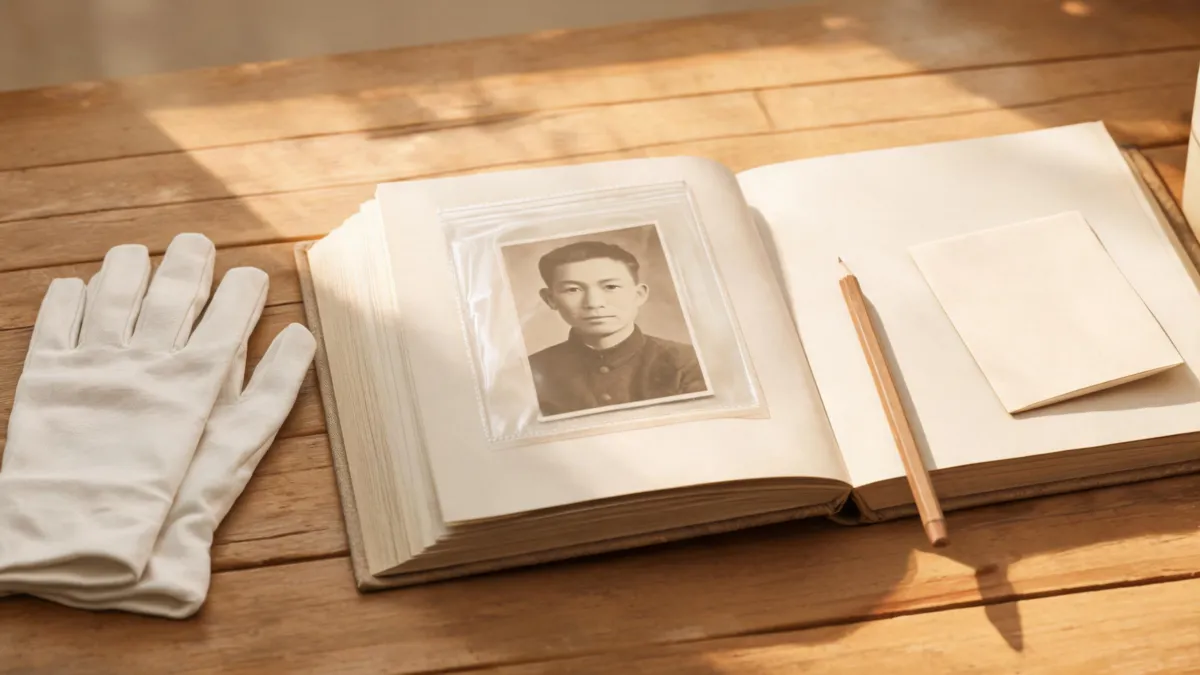
Label an AI-edited family photo in plain language, keep the untouched original, and say exactly what changed before you share it. A caption such as “AI-edited wardrobe variation from the 1954 original; created August 2026” is clearer than leaving relatives to guess. If you use an AI clothes changer on a family picture, keep it a careful personal variation—not a replacement for the historical record.
Last updated: August 31, 2026 · about 7 min read
The practical answer: preserve first, label second
An old family photograph carries more than a face and outfit. It can be evidence of a person, a place, and a particular moment. A new shirt, smoothed face, or invented background may be a meaningful creative exercise, but it is no longer the unedited record.
Start by keeping the best scan or digital original untouched. Make the AI version as a separate file, then add a caption that names the change. The U.S. National Archives uses an AI / machine-generated attribution label in its catalog vocabulary. That is not a universal household rule, but it is a useful reminder that attribution belongs with the digital object, not only in someone’s memory.
| What you have | How to name it | What to keep |
|---|---|---|
| Original scan | “Original scan” | The highest-quality unedited file and any scan notes |
| Small repair, such as crop or dust cleanup | “Digitally restored copy” | The original plus a note describing the repair |
| AI wardrobe variation | “AI-edited wardrobe variation” | The original, the variation, and the date/tool note |
| Heavily reimagined scene | “AI-generated interpretation based on a family photo” | The original and a clear separation from the interpretation |
A label is not an apology. It is a courtesy to the person in the image and to everyone who may encounter the file away from the chat, album, or post where it first appeared.
Use a simple labeling workflow
- Save the original before you edit. Keep the scan or camera file in a folder that does not contain variations. Do not overwrite it with a better-looking AI version.
- Get permission where it is possible and appropriate. Ask a living person before changing their likeness or sharing a changed image. For a shared family archive, tell the relevant relatives what you are making and why.
- Make only the intended change. If you are testing an outfit, preserve the face, pose, setting, and the photo’s character. Our old-photo clothes-change guide covers the image-quality side of that limited workflow.
- Name the derivative file clearly. Use a filename that cannot be mistaken for the original, such as
Mina_1954_AI-wardrobe-variation_2026-08-31.jpg. - Add a readable caption at the point of sharing. File metadata is helpful when available, but a plain caption travels better through screenshots, messaging apps, and family email chains.
- Store a short note with the files. Record the original filename, the date of the variation, the tool category, the main change, and who approved sharing. Keep it factual and brief.
The FamilySearch guidance on responsible AI use in genealogy emphasizes accuracy, disclosure, privacy, and labeling. Those principles make a useful family baseline even when a picture never leaves a private album.
Write a caption that survives separation from the photo
Avoid vague labels such as “enhanced” when the image contains a synthetic wardrobe or generated detail. A practical caption has four parts:
- What it is: AI-edited variation, digitally restored copy, or AI-generated interpretation.
- What changed: wardrobe, background, facial detail, color, or another specific element.
- What it came from: the original photo’s approximate date, person, or family collection, if known.
- When it was made: month and year are usually enough for a household archive.
For example: “AI-edited wardrobe variation based on the original 1954 family photo of Mina Lee. Clothing changed; face, pose, and setting intended to remain from the source. Created August 2026; original scan retained by the Lee family.”
Do not fill in an unknown name, date, place, uniform, or relationship just because the generated result makes it look plausible. If the source is uncertain, write “unidentified family photo, estimated mid-20th century” rather than turning a guess into a record.
If a portrait has already been shared without context, correct the record where you can. Add a visible note to the album or post, send the clarification to the people who received it, and keep the original in the shared archive. Quietly replacing the file can leave copies circulating with no explanation.
Keep the variation visually separate from the record
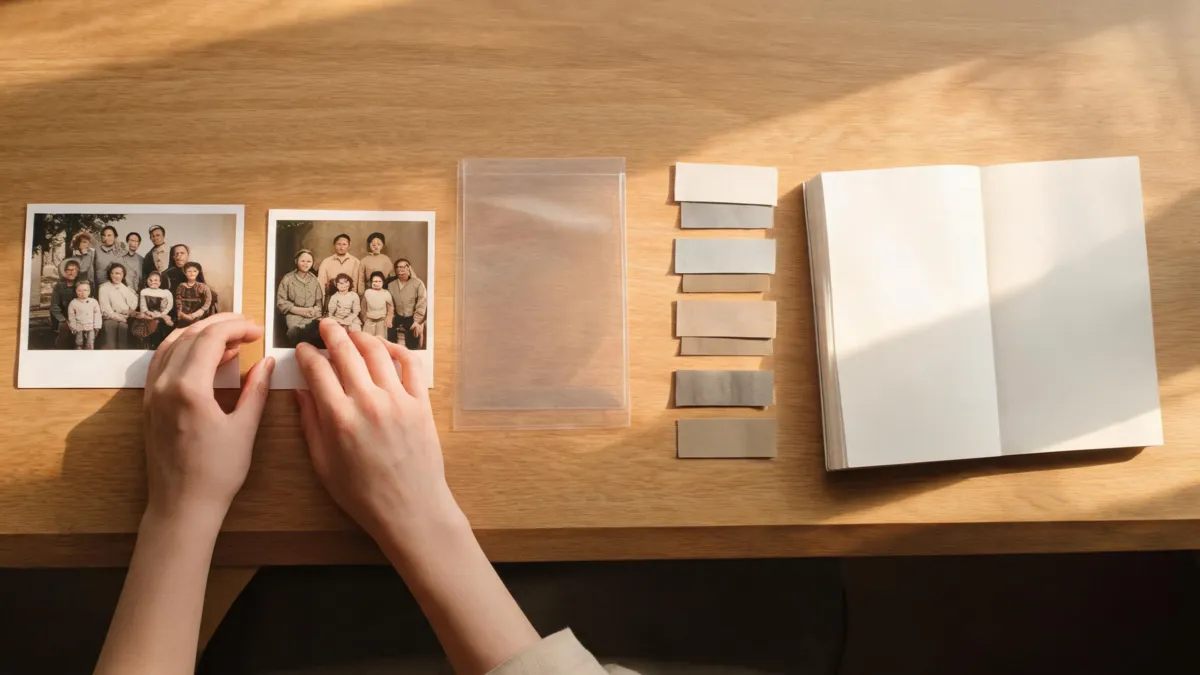
The original and the variation should stay separate in storage and in context, even when the creative edit is respectful.
Use these safeguards when you share an AI wardrobe variation:
- Put “AI-edited” in the album title, post caption, or filename—not only in a comment that may disappear.
- Do not crop out identifiers that distinguish the original from a generated version unless the privacy reason is clear and documented.
- Keep an unedited copy in the same family archive or a linked folder.
- Do not use an altered image as evidence in a family tree, historical claim, news post, or memorial without an explicit explanation of the alteration.
- If a relative asks for removal, pause sharing and resolve that concern before posting again.
For a general privacy check before uploading a personal image, see is an AI clothes changer safe?. The key question is not only whether the output looks good; it is whether viewers can still understand what is original and what is new.
What Content Credentials can and cannot do
C2PA Content Credentials are a technical standard for recording the provenance and history of compatible media. When a compatible tool preserves a credential, it can help explain that a file was edited or created with AI. Google Search Central says it may surface qualifying C2PA details in its “About this image” experience, including how an image was created or AI-edited, when the metadata is present.
That is useful, but it does not replace a clear human caption. Credentials may not be present, may not survive every workflow, and their absence does not prove a photo is original. Treat them as supporting context—not a truth detector. A saved original, a short change note, and an honest label are still the part relatives are most likely to see and understand.
Limits and disclosure
This checklist is practical guidance for family archives and personal sharing, not legal advice or a claim that every edit has the same consequences. Platform rules, privacy rights, copyright, archival standards, and local laws can differ. Use a stricter review for documentary, commercial, news, legal, or institutional uses.
The article was reviewed on August 31, 2026 against public guidance from the National Archives, FamilySearch, C2PA, and Google Search Central. Those sources support transparent provenance and attribution; they do not make an AI variation historically accurate. When in doubt, keep the original, state the uncertainty, and avoid presenting a new visual detail as a fact.
Frequently asked questions
Should I label an AI-edited family photo?
Yes. A clear plain-language label helps relatives and future viewers distinguish an AI variation from the original photograph. Keep the untouched original and include what changed and when the variation was made.
Can I replace an old family photo with an AI version?
No. Keep the original scan or file as the archival record. An AI variation can be a personal creative interpretation, but it should not replace or be cataloged as the historical photograph.
Do Content Credentials prove that an old photo is authentic?
No. Content Credentials can record provenance information when a compatible tool preserves it, but their absence does not prove a file is unedited. Use them as a helpful record alongside a clear caption and the saved original.
Related guides
- Try the free AI clothes changer →
- How to change clothes in an old photo without damaging the face
- Is an AI clothes changer safe?
- How to change clothes in a photo with AI
Make the history easy to recover
The best AI family-photo variation does not compete with the original. Keep both files, say what changed, and give future viewers enough context to tell a creative version from the family record.