
Can Nano Banana Change Clothes in a Photo? (2026 Test)
We tested whether Google's Nano Banana (Gemini native image model) can change clothes in a photo. Here's what it does well, where it slips, and the faster purpose-built way.
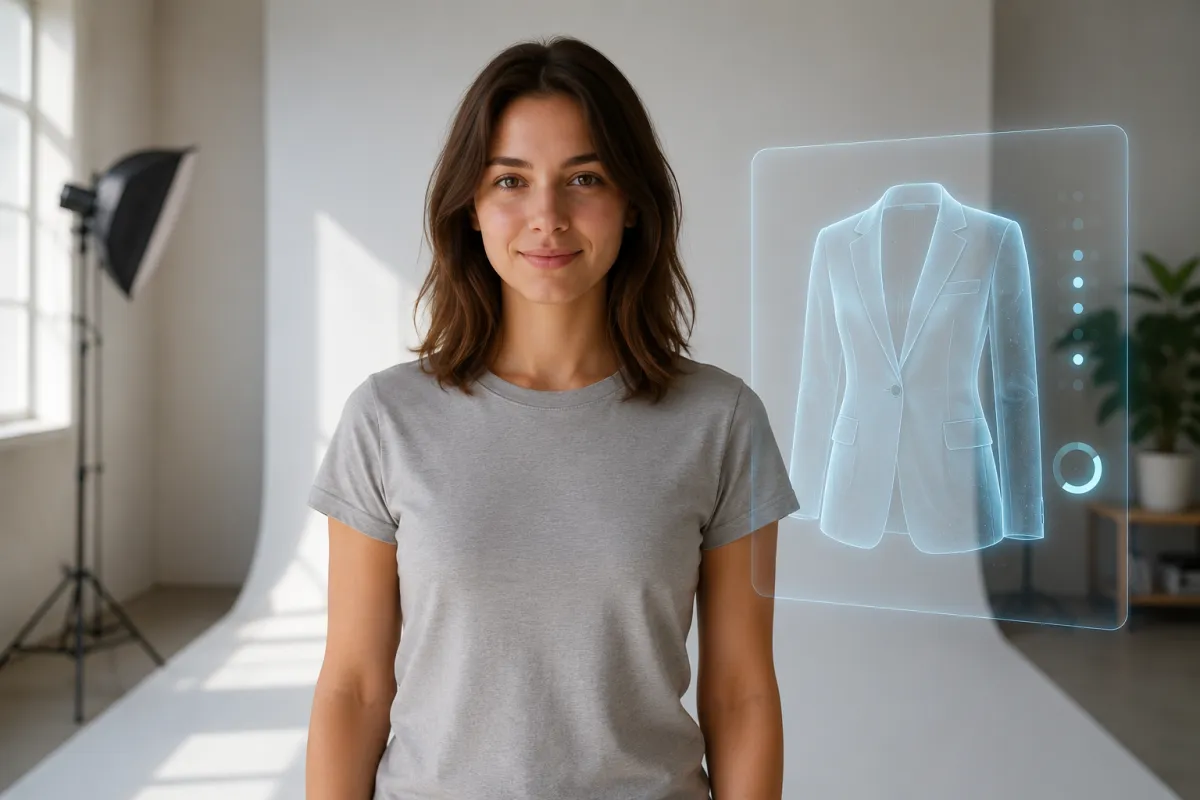
Yes — Nano Banana, Google's native image model in the Gemini app, can change clothes in a photo if you write a careful prompt, and it often gets the lighting right. But it has no brush-and-mask control, so for a clean, repeatable swap that keeps the face untouched, a purpose-built AI clothes changer is faster. We ran the test below so you can see both.
Last updated: June 18, 2026 · ~6 min read
What is Nano Banana, and is it free?
"Nano Banana" is the nickname for Google DeepMind's native image generation and editing models inside Gemini. The original (Gemini 2.5 Flash Image) launched in August 2025; Nano Banana Pro (Gemini 3 Pro Image) followed in November 2025, and Nano Banana 2 (Gemini 3.1 Flash Image) is the current 2026 release. Unlike older diffusion tools, it reasons about your text and edits an existing photo natively, so you can tell it to keep one part and change another.
On cost: you can try it free in the Gemini app, but free use is capped (a handful of low-resolution generations), with higher daily limits on Google AI Pro (~$19.99/mo) and Ultra. Every output also carries an invisible SynthID watermark (and, on supported surfaces, C2PA content credentials), so images are flagged as AI-generated. That matters if you plan to post the result anywhere.
Honest take: Nano Banana is a genuinely strong general image editor. It's just not built specifically for outfit swaps, which is where the friction shows up.
How to change clothes in a photo with Nano Banana (3 steps)
Here's the exact workflow we used in the Gemini app:
- Upload your photo and describe the keep/change. Be explicit: "Keep the same person, face, pose, and background. Change only the outfit to a navy tailored blazer over a white shirt." The "keep" half of the prompt is what protects the face.
- Generate, then read the result critically. Check the face, hands, and background first — these drift before the clothes do. If the identity shifted even slightly, that run is a reject.
- Refine in conversation. Because it's chat-based, you can reply "too baggy, make it fitted" and it edits the previous image. Expect 2–4 rounds to land a usable look.
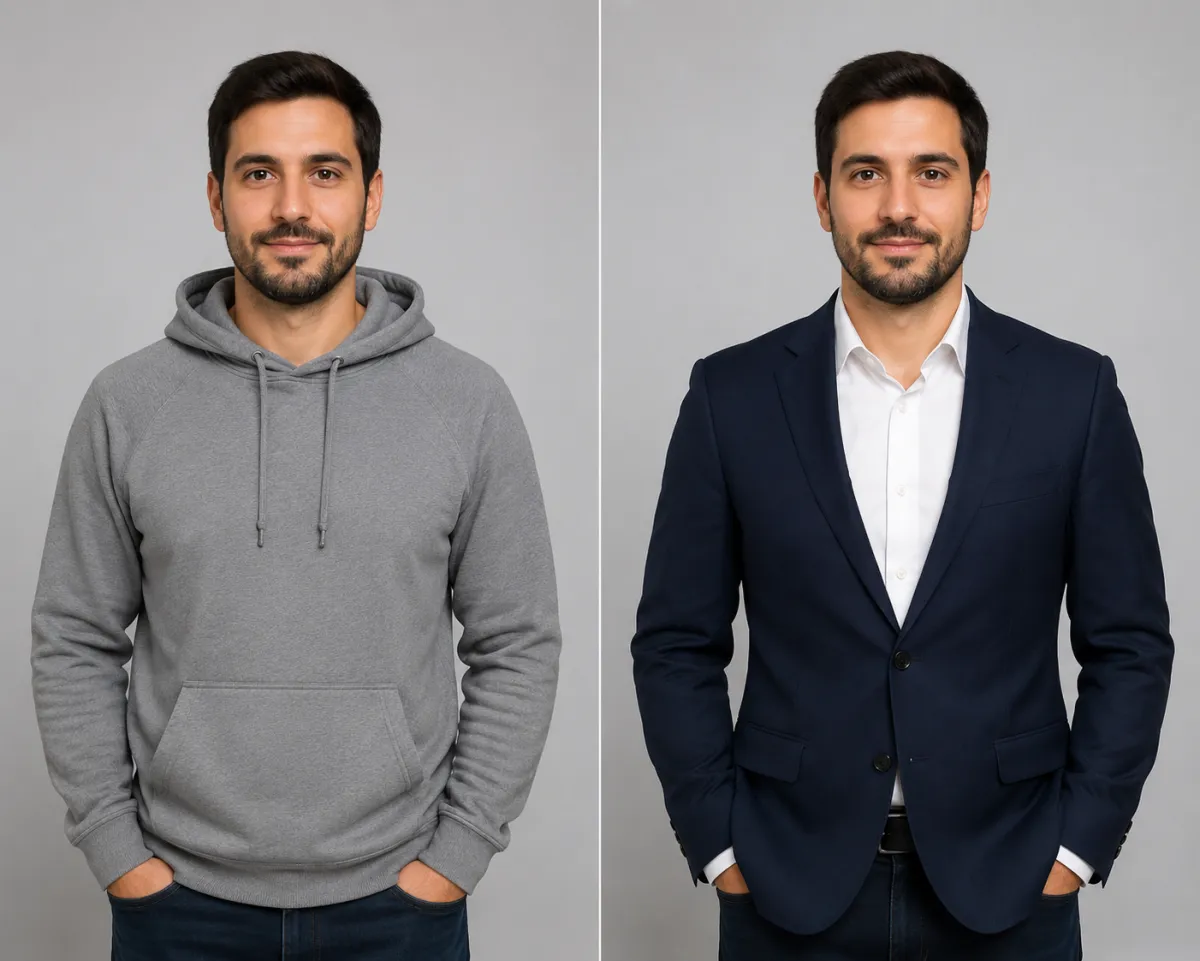
Left: original hoodie shot. Right: the same man in a tailored blazer — the goal is for the face, pose, and background to stay frozen while only the outfit changes.
Nano Banana vs. a dedicated AI clothes changer
Both can swap an outfit. The difference is control, consistency, and how many tries it takes.
| What you care about | Nano Banana (Gemini) | Dedicated AI clothes changer |
|---|---|---|
| Outfit swap quality | Strong, prompt-dependent | Strong, tuned for clothing |
| Keep face & pose locked | Possible, but can drift between runs | Built to lock identity & pose |
| Precise area control | Text only — no brush/mask | Brush or describe a region |
| Tries to a usable result | Often 2–4 prompt rounds | Usually 1–2 |
| Watermark on output | SynthID + C2PA always | Depends on the tool |
| Learning curve | Prompt engineering | Upload → describe → download |
For a one-off creative edit where you're already in Gemini, Nano Banana is fine. For "change this outfit and don't touch anything else," a tool whose entire job is that swap saves you the prompt-tuning loop. Our differentiator is simple: the face, pose, and background stay frozen — only the clothing is re-rendered.
Can Nano Banana keep the face and pose unchanged?
Mostly, with the right prompt — but not reliably. Because the edit is driven by text alone, you can't point at the shirt and say "only here." So when you ask for a big wardrobe change, the model sometimes re-imagines the face, hands, or background along with it. The fixes that helped most in our test:
- Lead with the lock. Put "keep the same face, pose, and background" before the outfit description, not after.
- Start sharp. A crisp, well-lit, front-facing original gives the model less to guess at, which reduces face drift.
- Change one thing at a time. "Swap the t-shirt for a knit sweater" behaves better than restyling a whole head-to-toe look in one shot.
If you only want to recolor an outfit rather than replace it — say the same dress in red — that's a simpler job covered in our change clothes color in a photo guide.
Frequently asked questions
Can Nano Banana change clothes in a photo?
Yes. Nano Banana, Google's native Gemini image model, can change the outfit in an uploaded photo when you describe the swap clearly and tell it to keep the person, pose, and background. It works best for one garment at a time, and often takes a few prompt rounds to land a clean result.
Is Nano Banana free to use?
You can try Nano Banana free in the Gemini app, but free use is limited to a small number of lower-resolution generations per day. Higher limits and resolutions come with paid Google AI Pro and Ultra plans, and the API is billed per image.
Does Nano Banana add a watermark?
Yes. Every image is tagged with Google's invisible SynthID watermark, and on supported surfaces C2PA content credentials,, so the output is identifiable as AI-generated. This is worth knowing before you publish or share the edited photo.
Why does the face change when I swap clothes in Nano Banana?
Because the edit is text-only with no brush or mask, a big outfit change can pull the face, hands, or background along with it. Leading your prompt with "keep the same face and pose," starting from a sharp photo, and changing one garment at a time all reduce that drift.
Is a dedicated AI clothes changer better than Nano Banana for outfit swaps?
For outfit swaps specifically, a dedicated AI clothes changer is usually faster because it's built to lock the identity and pose and re-render only the clothing — typically one or two tries instead of several prompt rounds. Nano Banana is the stronger general-purpose editor.
Can I change just one item of clothing instead of the whole outfit?
Yes, and it's the more reliable approach. Asking for a single change — like swapping a t-shirt for a sweater, or recoloring a jacket — keeps the rest of the image stable and avoids the model re-imagining unrelated parts of the photo.
Related guides
Keep exploring before you start editing:
- Try the free AI clothes changer → — upload a photo and swap any outfit on the home page.
- How to change clothes in a photo with AI (no Photoshop)
- How to change the color of clothes in a photo
- Virtual try-on: see an outfit on yourself
- Bikini & swimwear try-on
Try it on your own photo
Skip the prompt-tuning loop. Upload a photo and change the outfit free → — the face, pose, and background stay put, and only the clothing changes.