
AI Clothes Changer for Men: Outfit Preview
Use an AI clothes changer for men to compare a shirt, jacket, or suit on one clear photo before you buy, book a headshot, or commit to an outfit.
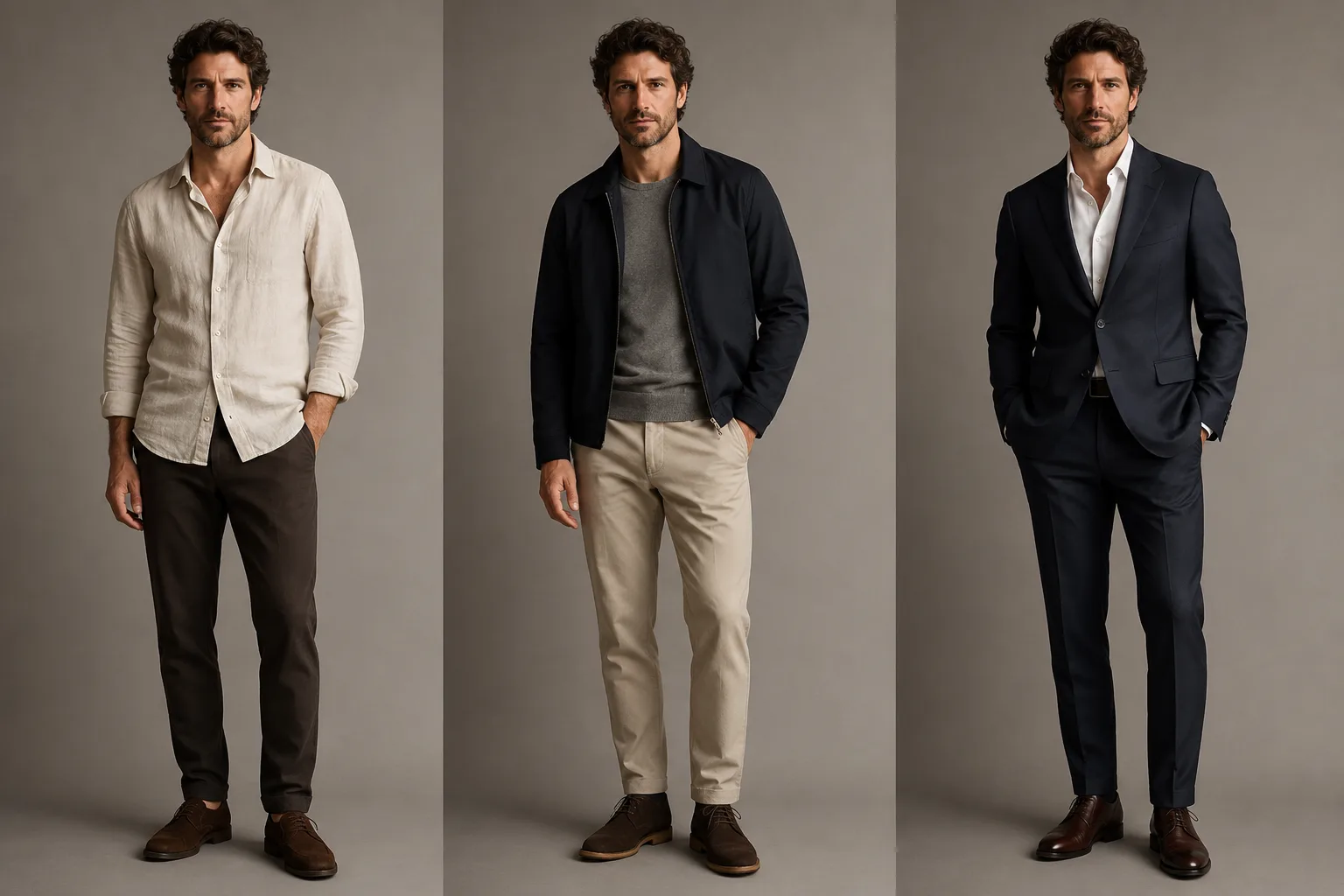
An AI clothes changer for men is most useful when it helps you compare one outfit decision at a time: a shirt, a jacket, or a suit. Start with a clear portrait, keep the pose and lighting fixed, and use the AI clothes changer as a preview before you buy clothes, prepare a headshot, or choose a dress code.
Last updated: July 23, 2026 · about 6 min read
The useful question is not “can it put a suit on me?” It is “does this collar, layer, and color make sense on the same person in the same setting?” Keeping the comparison controlled makes a generated image easier to judge.
Choose the outfit decision first
Do not ask one image to solve your whole wardrobe. Pick the decision you actually need to make, then choose a photo that shows enough of the body for that garment.
| What you are comparing | Start with | Check before you keep it |
|---|---|---|
| Shirt color or collar | Chest-up portrait with a visible neckline | Collar edge, skin tone, shoulder line |
| Jacket or blazer | Portrait with both shoulders visible | Lapels, sleeve edge, hair overlap |
| Suit for a headshot | Straight-on, evenly lit image | Tie line, jacket proportion, background fit |
| Casual layered outfit | Waist-up or full-body image | Layer order, hands, and fabric boundaries |
For a professional option, a business-attire photo preview gives you a separate way to think about crop and dress code. For a single jacket, use the more focused put a suit on a photo guide.
Make three controlled previews
The simplest comparison is usually enough:
- Keep your face, hair, pose, background, and lighting unchanged.
- Test one baseline: the shirt or jacket closest to what you already wear.
- Test one alternative: a darker blazer, a different collar, or one more formal layer.
- Test one stretch option only if it answers a real question, such as whether a suit is too severe for your usual setting.
Avoid combining a new outfit with a new body shape, a new office, retouched skin, and dramatic lighting. That turns an outfit preview into a new synthetic portrait, which makes the clothing decision much harder to isolate.
This is a planning illustration, not a claim that the tool produced these exact looks. The point is to compare layers on a stable portrait.
Review fit cues, not just the outfit idea
An image can suggest whether navy feels more natural than charcoal or whether a spread collar looks better than a crew neck. It cannot tell you whether a jacket will fit your shoulders, how a fabric will feel, or whether a store's size chart is accurate.
Use a quick four-point review:
- Neck and collar: does the collar meet the neck cleanly, without covering hair or floating above the shirt?
- Shoulders and lapels: do seams follow a believable shoulder line, and do lapels stay outside the face and hair?
- Hands and sleeves: if hands cross the torso, look closely for changed fingers or sleeves that end in the wrong place.
- Context: does the color still work against the background and the kind of room where the photo will appear?
If one result is attractive but changes your face or warps the background, discard it. A strong clothing edit preserves the person first. The best photo for an AI clothes changer guide explains why clear light, a visible torso, and an uncluttered setting matter.
Use the preview to make an offline decision
An outfit preview is useful before a purchase, not instead of one. Save the two clearest results, then compare the actual garment's color, cut, return policy, and measurements. If the goal is a portrait, show the preferred direction to a photographer or stylist and keep the source photo available for reference.
For a less formal experiment, try a shirt try-on online workflow. If color is the main question, the clothes color changer is a better starting point than changing the whole outfit.
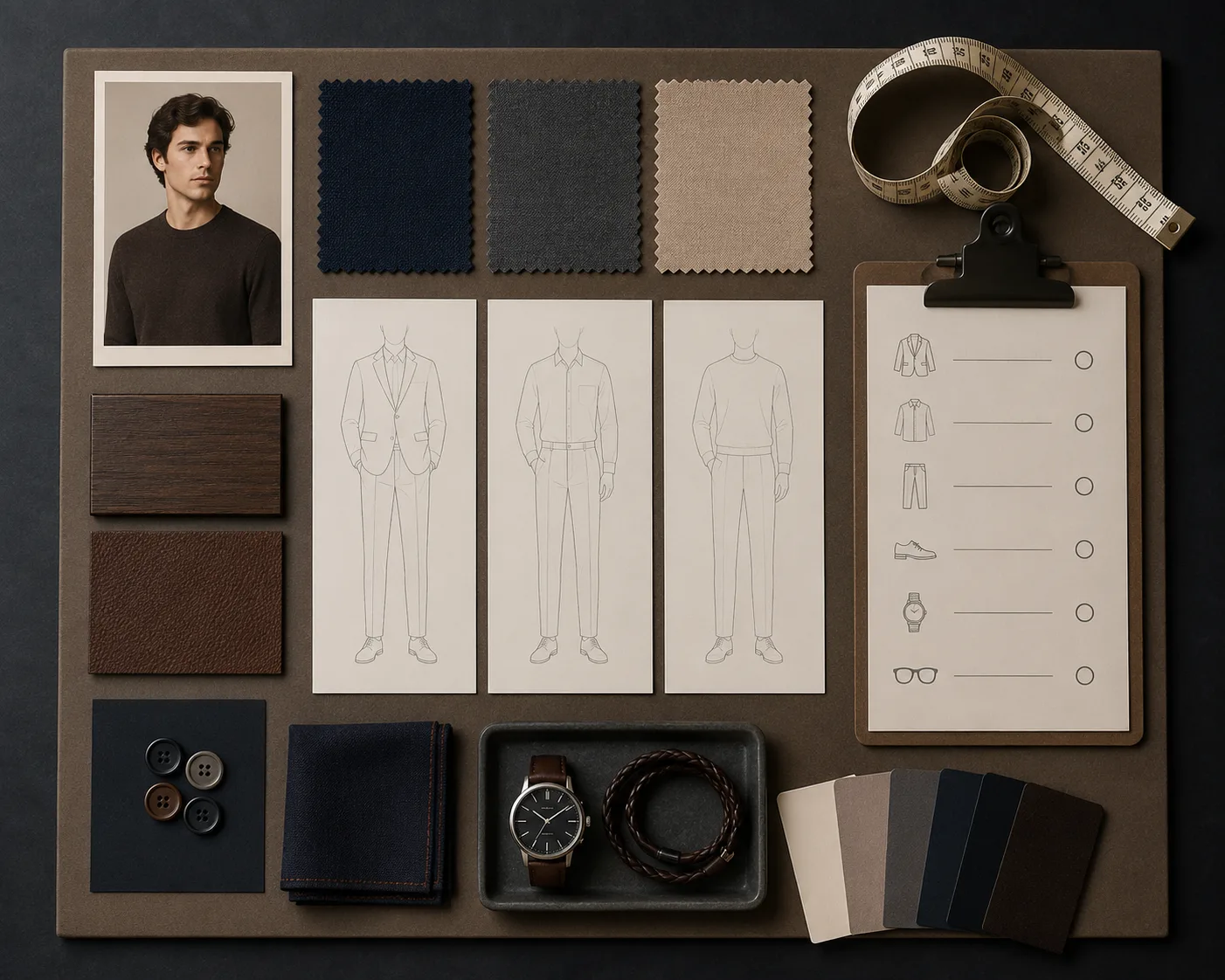
The second visual has a different job: it helps separate color, layer, and occasion before you generate.
Frequently asked questions
Can an AI clothes changer show what a suit will look like on me?
It can give you a visual direction when your photo shows your face, shoulders, and torso clearly. Treat it as a comparison aid, not a guarantee of garment fit, sizing, fabric, or tailoring.
What photo works best for a men's outfit preview?
Use a sharp, evenly lit portrait with your face uncovered, shoulders visible, and hands not blocking most of the torso. A simple background makes it easier to spot an unwanted edit.
Should I test many outfits at once?
No. Compare a small set of controlled options on the same image. One baseline, one alternative, and one stretch option usually tell you more than a large gallery of unrelated looks.
Related guides
- Try the AI clothes changer →
- Put a suit on a photo
- Shirt try-on online
- Business attire photo preview
- Best photo for an AI clothes changer
Compare the clothing, keep the person
Use the AI clothes changer to narrow an outfit direction, then check the real garment and the final photo separately. The less you ask the image to change, the easier it is to make a useful decision.