
HeadshotMaster AI Clothes Changer: What It Does and When to Try an Alternative
HeadshotMaster AI clothes changer: see its headshot workflow, what to inspect, and when a garment-reference alternative fits better.
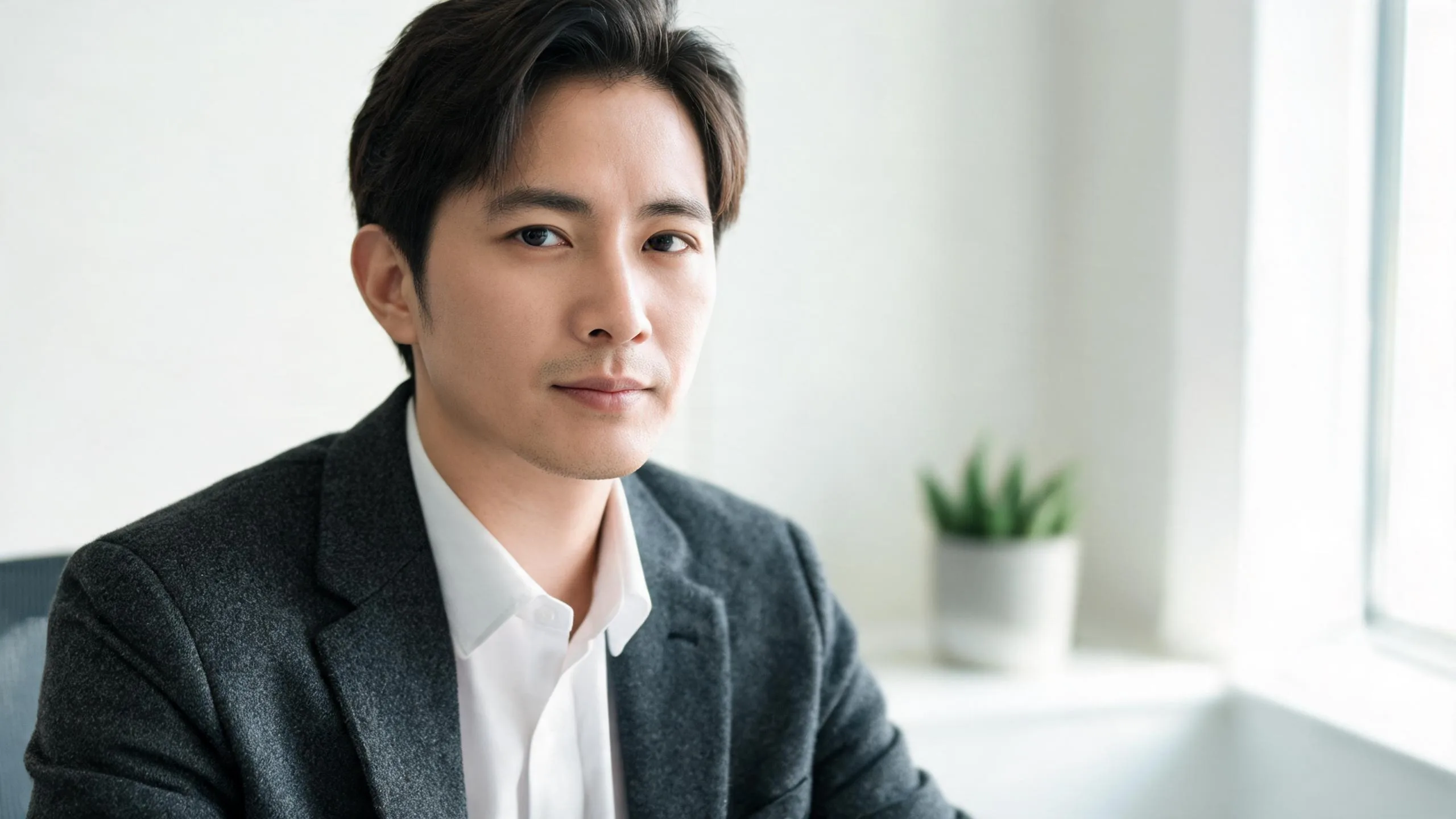
HeadshotMaster is primarily an AI professional-headshot generator: its public site focuses on turning selfies into business, studio, creative, and professional portrait styles. If you need to preview one specific jacket or outfit on an existing photo, a garment-reference AI clothes changer is often the more direct option. Both approaches need a careful check for identity and wardrobe artifacts before you use a result professionally.
Last updated: September 6, 2026 · ~7 min read
This companion takes a different angle from our older guide, Put a Suit on Your Photo. That guide is a step-by-step suit-on-photo tutorial. This article answers a tool-evaluation question: what HeadshotMaster is built for, what to assess in a generated professional portrait, and when an existing-photo outfit-preview workflow is a better fit.
What is HeadshotMaster designed to do?
HeadshotMaster's public homepage positions it as an AI professional-photo generator. It says it turns selfies into professional photos and presents business, studio, creative, and professional styles for LinkedIn, resumes, team pages, and personal branding. The site also shows different wardrobe and background looks as part of those headshot examples.
That makes it a sensible category match for someone who needs a set of polished profile-image options. A headshot generator and a clothes changer overlap around wardrobe, but their starting goals differ:
- A headshot workflow is about a finished professional portrait and a choice of styles.
- A garment-reference workflow is about testing a particular clothing item or complete look on a photo you already have.
Neither goal is inherently better. The important question is whether the final output has to preserve a particular person's source photo and a particular garment, or whether you are choosing among generated professional-headshot variations.
A polished AI headshot is still an image to review, not an identity document, a credential, or proof that a person wore a particular garment.
Headshot generator versus garment-reference workflow
Use the table as a decision aid, not as a performance ranking. Features and plan details can change, so verify any live provider controls before committing to a workflow.
| Decision point | HeadshotMaster-style workflow | Garment-reference AI clothes changer |
|---|---|---|
| Core outcome | A set of professional-looking headshot variations | A visual preview of an outfit on a chosen photo |
| Best input goal | Several good selfies for a new profile image set | One clear person photo plus a specific garment image or written look |
| Wardrobe question | Which generated professional style looks most suitable? | How will this jacket, shirt, dress, or full outfit read on this photo? |
| Primary review | Facial consistency, expression, portrait polish, background | Face and pose preservation, garment boundaries, seams, fabric, light |
| Better fit for | LinkedIn, resumes, bios, team-directory refreshes | Outfit decisions, a known garment, or controlled before-and-after tests |
If the work is for a team directory, a headshot generator can be useful when you need a coherent set of styles. If you are comparing two suit jackets or need a garment's visible features to carry through, start with the actual reference garment. You can also use an AI outfit generator when you have an idea but no garment photo yet.
How to evaluate a professional wardrobe result
Do not decide from the first thumbnail. Give every candidate the same short review, then choose only the image that survives it.
- Check the face against the source. Look at the eyes, hairline, jawline, ears, glasses, and skin detail. The person should remain recognizably the same person, without a different expression or facial structure being introduced.
- Check the clothing boundaries. A collar should sit beneath the jaw naturally. Lapels should meet the shirt cleanly, and jacket shoulders should follow the body rather than form a halo around it.
- Check light and backdrop together. The face, shirt, jacket, and background need the same apparent light direction and color. A crisp blazer with a mismatched face shadow can still look artificial.
- Check the crop at its real destination. A profile photo may be circular or displayed small. Review it both at full size and at the crop used by LinkedIn, a company directory, or a resume.
- Keep an honest record. Retain the original source and mark generated options in your own asset library. That makes future updates and stakeholder review easier.
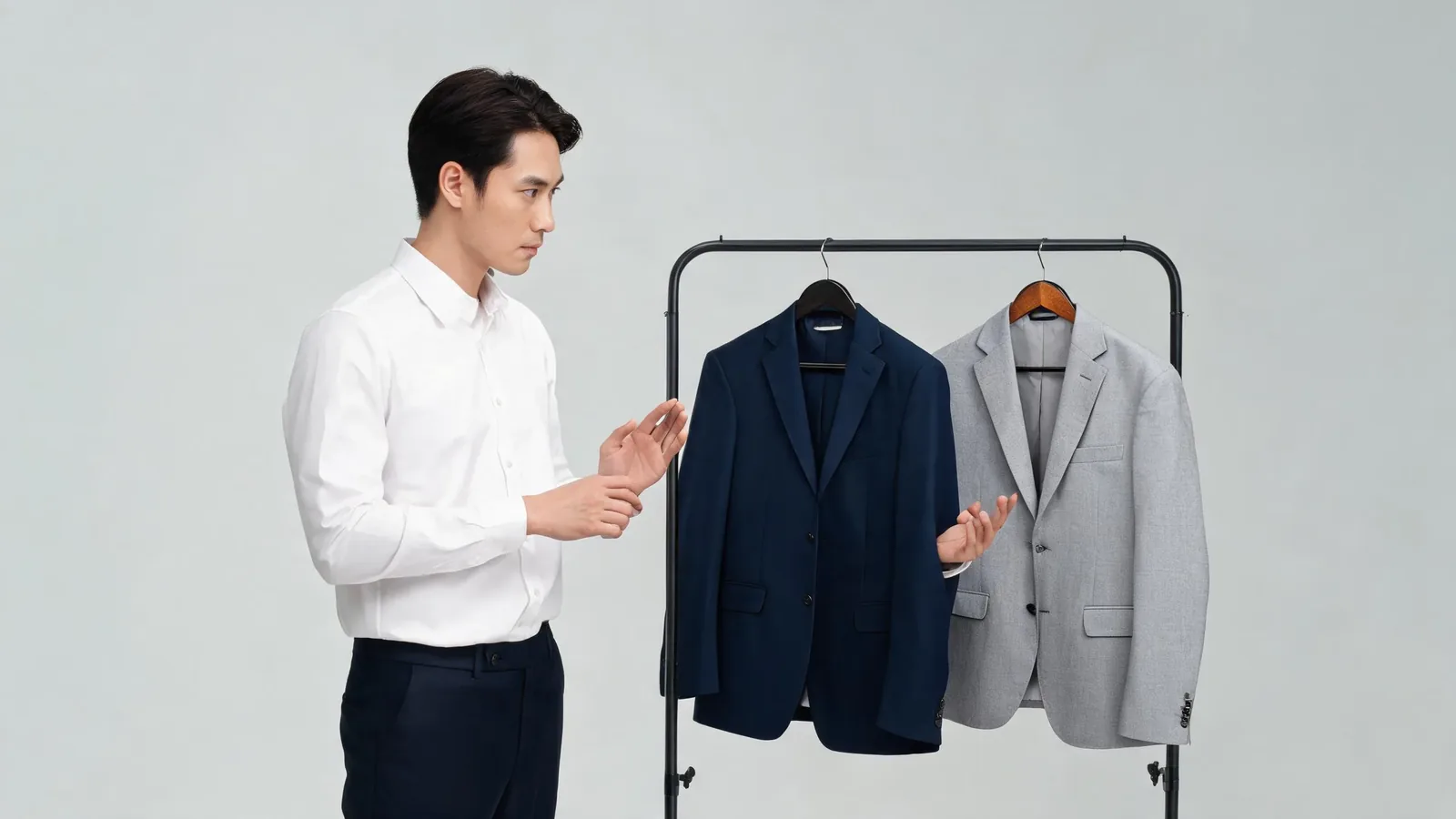
Editorial wardrobe-selection illustration, not a claimed HeadshotMaster or AIClothSwap result. Use an actual garment reference when its cut, color, or details matter.
Choosing a source photo for a wardrobe change
A headshot can be cropped tightly, but a clothes-changing workflow needs enough of the body and current clothing to understand the replacement. A head-and-shoulders photo works for a blazer, shirt, or neckline. Use a three-quarter or full-body image for trousers, a dress, a long coat, or a full outfit.
The most reliable source photos have one adult subject, soft even light, a visible shoulder line, and minimal obstruction. Avoid folded arms, hair covering the collar, a bulky bag strap, or a busy group scene. These details are not rules that guarantee success; they simply reduce the number of places where the model must guess. See how to change an outfit without changing the face for a fuller troubleshooting sequence.
If only the shirt or jacket color needs changing, a clothes color changer can be a more controlled request than recreating the whole wardrobe. When the garment itself has a strong pattern, a logo, or unusual tailoring, expect to inspect it more closely or use an approved manual retouch after the concept step.
When a focused alternative makes sense
Try a focused clothes changer when the question is tied to a particular existing photo or garment:
- You already have a photo that you want to keep, rather than a new portrait set.
- You need to preview a real blazer, dress, uniform, or complete outfit reference.
- You want to compare a few clothing options with the same face, pose, and scene.
- You need an output to inform a wardrobe decision, not only a new professional-looking avatar.
AIClothSwap lets you add a garment reference or describe a look, then inspect how a full outfit reads on your photo. It is not a substitute for a professional photo session when exact lighting, precise tailoring, or a formal corporate brand standard is required. It also should not be used to misrepresent someone or to create a portrait without their permission.
Privacy, consent, and professional-use checks
Only submit an adult photo with permission. For a team or client project, clarify who may approve the final portrait and whether AI-generated images are allowed by the organization. Do not use a generated professional headshot for identity verification, regulated credentials, or any context where a photo must be a literal record.
Before uploading, read the provider's current privacy, retention, deletion, and commercial-use terms. Before publishing, check the final crop, name, title, brand rules, and whether the image needs a disclosure. The decision to use an AI image is a workplace and communications decision, not only an editing choice.
Frequently asked questions
Does HeadshotMaster change clothes in a photo?
HeadshotMaster publicly presents professional headshot styles that include wardrobe variation. Its core positioning is AI professional-photo generation, so check its live workflow if you need to know which wardrobe controls are currently available.
Can I use an AI headshot on LinkedIn?
You can choose an AI-generated image for a profile where the platform and your organization permit it, but use only your own image with consent and make sure it still represents you accurately. Do not use it for identity verification or other situations requiring a literal photograph.
What should I inspect in an AI suit headshot?
Check the face, hairline, collar, lapels, shoulders, hands if visible, fabric texture, and background lighting at full size. A clean overall impression can hide small errors that become obvious in a high-resolution export.
Related guides
- Try the AI clothes changer →
- Preview a garment with virtual try-on
- Put a suit on your photo
- Create a business-attire photo
- Choose the best photo for an AI clothes changer
Start with the real decision
Use a headshot generator when you want a fresh set of professional portrait styles. When the decision is about a particular outfit on a chosen photo, try the AI clothes changer, compare the output to the source, and only use a result that holds up under a close review.