
AI Fashion Model Prompts: Write a Garment Reference Brief
Write AI fashion model prompts from a garment reference. Use clear templates for clothing details, permitted scene edits, and person preservation.
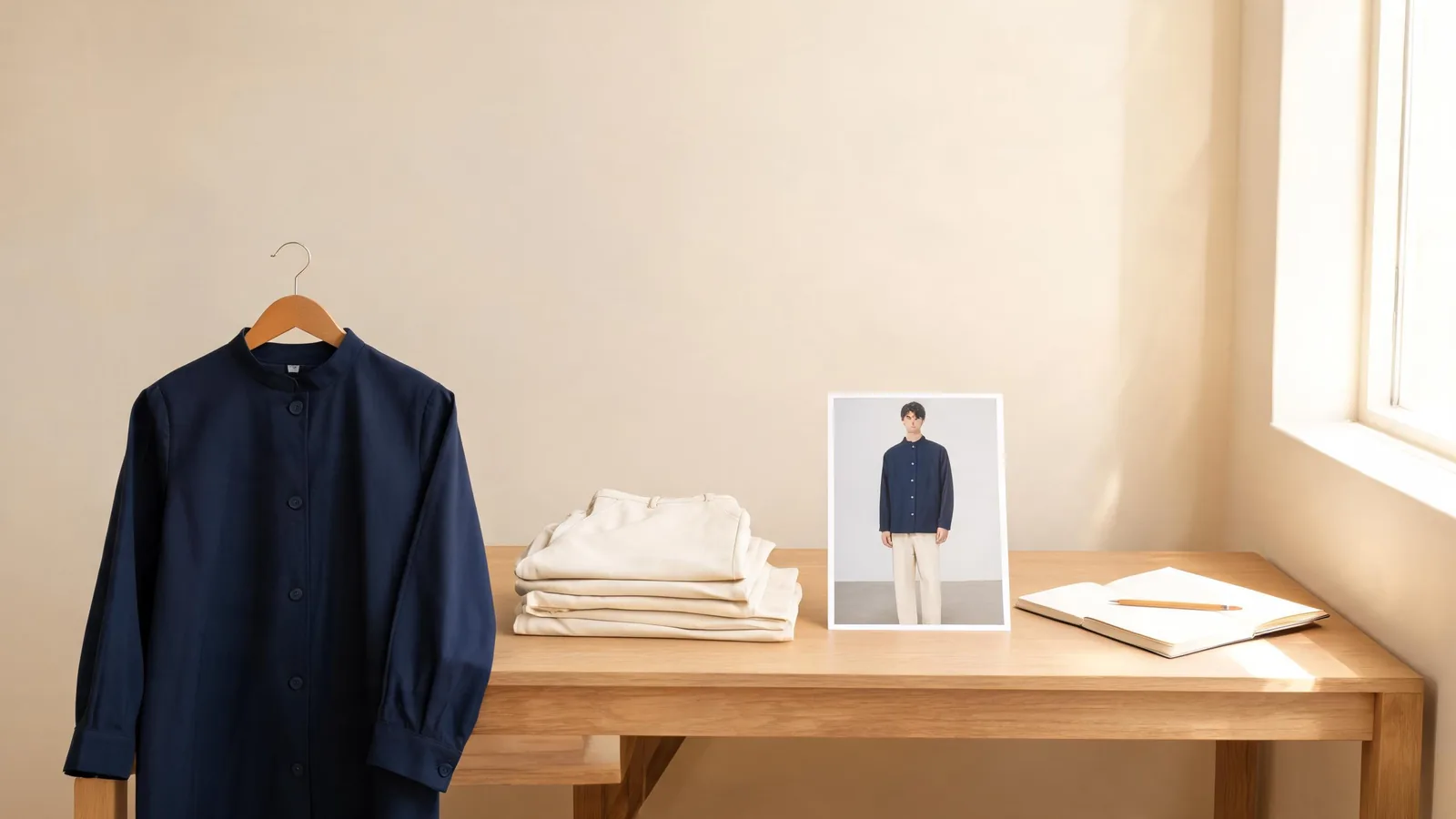
Good AI fashion model prompts identify the garment reference, describe its important visible details, allow specific scene changes, and name what should stay unchanged about the person. Start with one adult model photo and one readable garment image in the AI clothes changer. Treat the result as a visual draft, with garment accuracy checked separately.
Last updated: October 14, 2026 · about 8 min read
A prompt such as “make this a professional fashion photo” leaves basic decisions open: jacket color, background, and pose. Decide those before generation.
This guide helps you write that brief. The AI fashion model image checklist answers the later question of whether a finished image is suitable for publication. Keep the creation brief and approval decision separate: even a carefully worded request can produce an incorrect detail.
The cover illustrates a garment-planning workspace; it is not a product result or an example of exact clothing reproduction.
Prepare the references before writing the prompt
Choose an adult model photograph you have permission to edit. Show the face and enough of the body for the garment: shoulders and waist for a jacket, hips and legs for trousers, or the full outfit area for a dress. A tightly cropped portrait cannot show how a long coat falls around the legs.
Next, choose a clear garment reference. Use a front view when the model photo shows the front. Include the neckline, cuffs, hem, and closures. Avoid a collage that mixes several items or angles without explaining their roles. If a bag covers the jacket in the reference, the hidden pocket construction remains unknown.
Write down the clothing facts you can actually see. “Navy single-breasted jacket with notched lapels and two front buttons” is a visual description. “Premium wrinkle-free wool that fits perfectly” adds material and performance claims the image cannot establish. Leave those out unless they belong to verified product information, and do not expect a render to prove them.
Shopify's product photography guidance describes basic camera setup, lighting, and background preparation. Use that guidance to prepare readable source images. A cleaner reference gives you more useful information to describe than a longer list of aesthetic adjectives.
Build the brief in three steps
- Name the reference and clothing goal. Say which uploaded image supplies the person and which supplies the garment. Describe the item category and two or three visible details that matter most.
- Separate permitted changes from preservation requests. Allow a neutral background or softer lighting only if you want them. Ask to retain the person's recognizable face, hair, pose, and overall proportions where those are important.
- Choose one revision criterion. Decide what would cause you to revise the first draft, such as an incorrect neckline or unwanted bag. Check that criterion before requesting a new composition.
Use plain instructions. AIClothSwap does not require labeled prompt sections or a separate negative-prompt field. Decide which visual changes are allowed before writing.
| Part of the brief | Useful wording | Avoid |
|---|---|---|
| Garment authority | “Use the uploaded jacket reference” | A product URL without an uploaded image |
| Clothing details | “Retain the notched lapels and two-button front” | “Make the garment more luxurious” |
| Scene permission | “Use a plain light-gray background” | Several competing locations in one request |
| Person preservation | “Keep the adult model's recognizable face and pose” | Asking for a new face while also demanding identity consistency |
| Revision target | “Correct the sleeve length toward the reference” | Changing sleeves, pose, lighting, and garment together |
Adobe's effective text-prompt guidance recommends straightforward, descriptive language and experimenting with revised prompts. That general writing advice is useful here; it does not mean Adobe's settings or model behavior apply to AIClothSwap.
Match the prompt to the available controls
As of October 14, 2026, Free Preview uses one person photo and one outfit reference with garment-area selection, without custom instructions. Essential Try-On accepts one outfit reference and basic instructions. Studio Quality offers more detailed editing and support for up to six images, with paid access required.
For Essential, prioritize the garment and one preservation request. A short instruction such as “Use the referenced navy jacket; keep the person's face and current pose” gives the attempt a clear job. Detailed scene changes may not be followed closely with basic controls.
Use Studio when the request needs detailed editing or several references. If you upload more than one image, state each one's role. Additional images do not automatically establish exact garment fidelity. Review current access and credit conditions before generating.
The AI fashion model generator is a natural starting point for on-model concepts. A virtual try-on is better suited to a simple known-garment preview. Choose the workflow from the task before expanding the prompt.
Template 1: one garment on the existing model
Start with the smallest useful request:
Dress the adult model in the uploaded navy jacket reference. Retain the notched lapels, two-button front, and long sleeves visible in the reference. Keep the person's recognizable face, hair, current pose, and overall proportions. Keep the existing background. Do not add accessories.
Replace those jacket details with facts visible in your own image. Do not copy “two-button” into a prompt for a zip-front jacket. The point of the template is to identify the garment's distinguishing features, not to make every result resemble this example.
For Essential's basic instructions, shorten it to the garment and the most important constraint. For Studio, the fuller version can serve as an editing brief. In either case, a preservation request is a goal, not a guarantee. Inspect the output for unintended changes to the person as well as the clothing.
If the jacket needs an inner layer that neither image shows, supply a suitable reference or accept that the layer is a concept. Do not describe a hidden lining as though it were confirmed product construction.
Template 2: a restrained catalog concept
Use a detailed editing experience when both clothing and scene matter:
Use the uploaded adult model photo as the person reference and the uploaded cream cardigan as the garment reference. Retain the cardigan's round neckline, ribbed cuffs, and visible front closure. Create a plain warm-gray studio background with soft, even lighting. Keep the model's recognizable face, hair, and body proportions. Avoid bags, jewelry, signs, and added logos.
This brief asks for a scene that makes the clothing easy to see. New poses, props, angles, and dramatic shadows can obscure whether the garment request worked.
Describe a catalog concept honestly. A generated image is not proof that the cardigan has a certain fiber composition or that it fits a specific size. If it is intended for shoppers, the final approval needs the real item and approved product photography beside it.
Template 3: a controlled lifestyle variation
Once you have a usable clothing direction, try one scene variation:
Use the same adult model photo and olive coat reference. Keep the coat's visible silhouette and closure. Place the model against a simple outdoor wall in soft daylight. Keep the original pose and recognizable face. Leave the coat fully visible and do not add a handbag or change the outfit's other pieces.
This is a Studio editing brief rather than a promise that Essential will follow a detailed scene request. Keeping the coat visible makes the lifestyle idea easier to evaluate. A crowded café, seated pose, and cross-body bag may be attractive, but they also hide garment areas and introduce new interactions.
Review color after changing the light. A warmer scene can make olive look brown or cream look yellow. If the goal is a sellable color comparison, keep lighting stable. The clothes color changer provides a focused route for a color-only task, with the same need to check the finished image.
Revise one problem instead of rewriting everything
Keep a copy of the original brief and source images. When the first draft has a wrong cuff, revise the cuff instruction while keeping the rest of the request stable. That makes it easier to see whether the correction helped, even though a new generation can still vary elsewhere.
For example, replace “long sleeves” with “Sleeves should reach the wrists, with the ribbed cuffs shown in the reference.” Do not simultaneously ask for a sitting pose and stronger shadows. If the hands hide the cuffs in the source photograph, choose a clearer person photo rather than stacking more sleeve instructions.
| Problem in the draft | First correction to try | When to replace a source image |
|---|---|---|
| Collar shape drifts | Name the visible collar shape and reference | Hair or another layer hides it |
| Accessories appear | Ask for the specified outfit without added accessories | The garment reference includes distracting accessories |
| Several references are confused | State one role for each image | The inputs contradict one another |
| Face or proportions change | Simplify the edit and restate preservation goals | The person photo is unclear or heavily filtered |
If a buying-critical detail keeps changing, stop treating prompt length as the solution. Use a clearer reference, a narrower draft, or real product photography.
These templates are illustrative briefs, not reported test results. Before publishing, use the fashion model image checklist to compare the image with the actual garment and approved claims.
Frequently asked questions
What should an AI fashion model prompt include?
Name the garment reference, the visible clothing details that matter, the scene changes you permit, and the person attributes you want preserved. Keep the first request focused, then revise one problem at a time.
Can a prompt preserve an exact garment SKU?
No prompt guarantees exact SKU reproduction. Compare the generated image with approved photographs and the physical garment, especially seams, closures, print placement, color, and fit-related details.
Can I use these prompts with Free Preview?
Free Preview has no custom instruction control. Use a clear person photo and one outfit reference there. Essential Try-On offers basic instructions; Studio Quality provides detailed editing and multiple-image support under its paid-access conditions.
Should I put a product URL in the prompt?
Upload the garment image instead of relying on a URL in the prompt. A written link is not a substitute for a visible reference, and you should not assume the editor will retrieve a product page.
Related guides
- Try the AI clothes changer
- AI fashion model image checklist
- Photographing clothes for outfit edits
- Batch outfit edits for fashion sellers
Write the first brief before generating
Choose one readable garment, one permitted adult model photo, and one visual goal. Open AIClothSwap, use the controls available to your account, and keep the references nearby for the final review.